From one photo to a whole campaign.
One piece from start to finish: the herringbone coat from Collection 01. This is how a shoot goes.
01Your piece
Start with the product.
A flat-lay or a photo on white is enough. If you also have a back view or a detail, upload them together: then the shoot knows the whole piece.
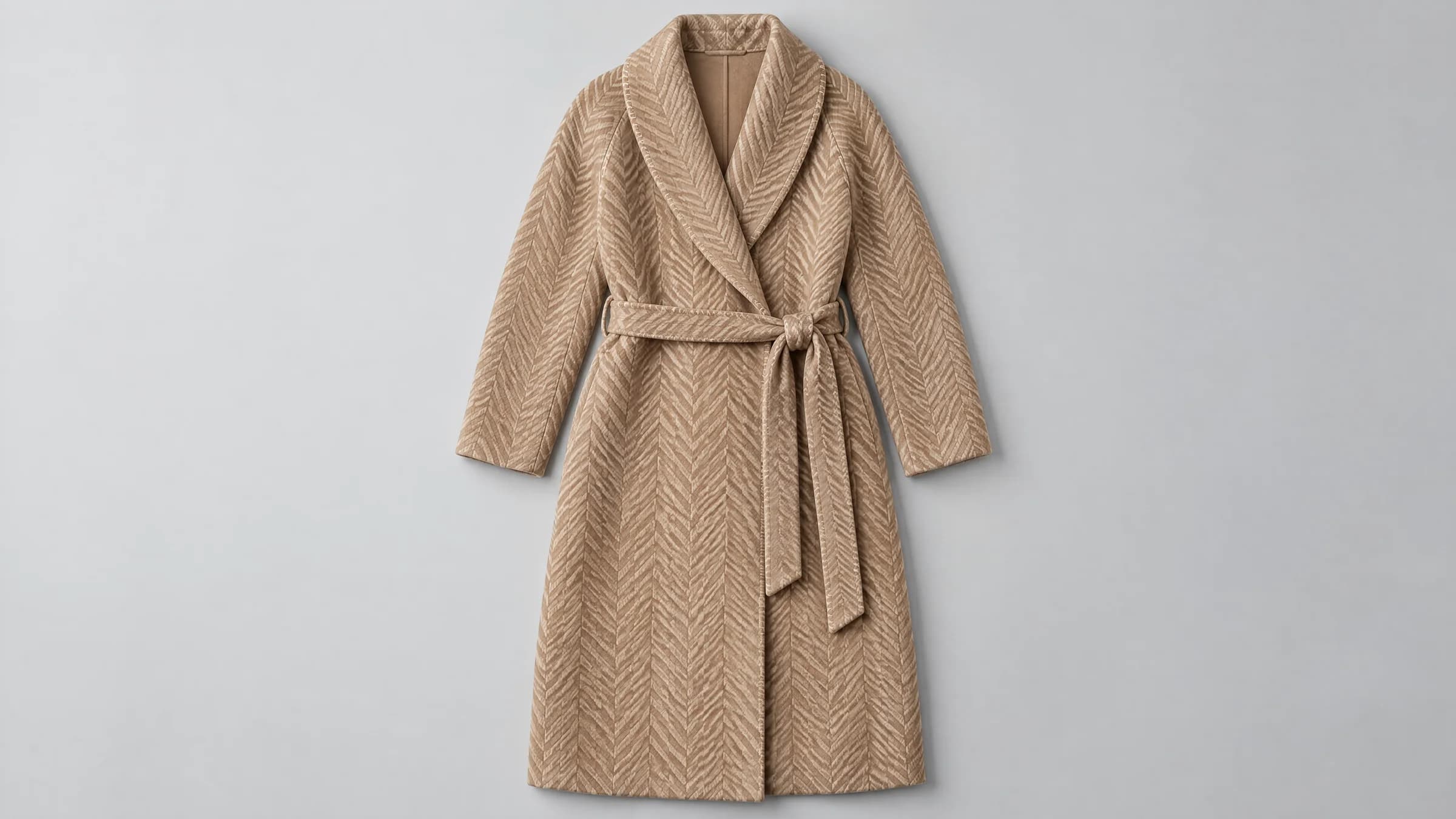
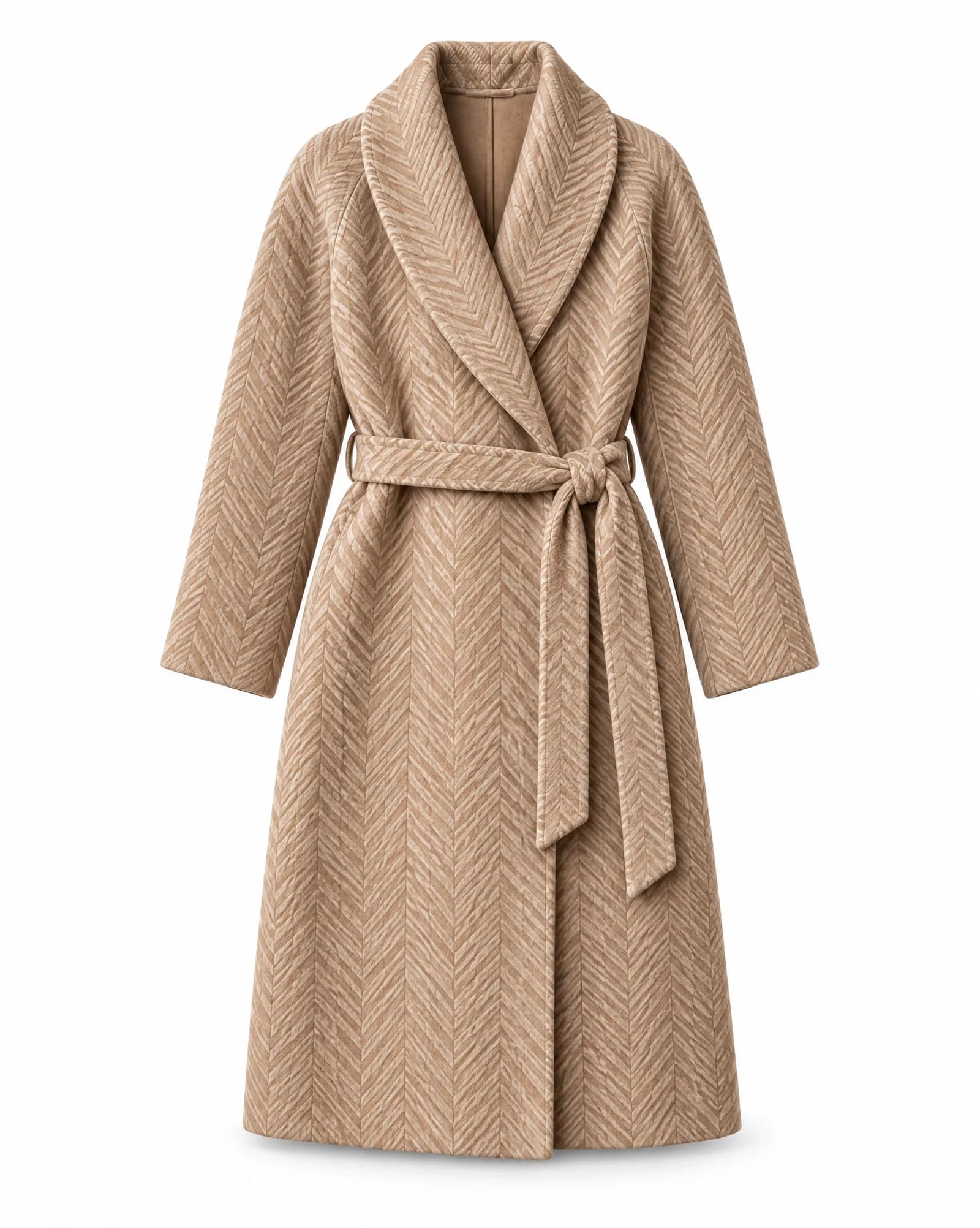
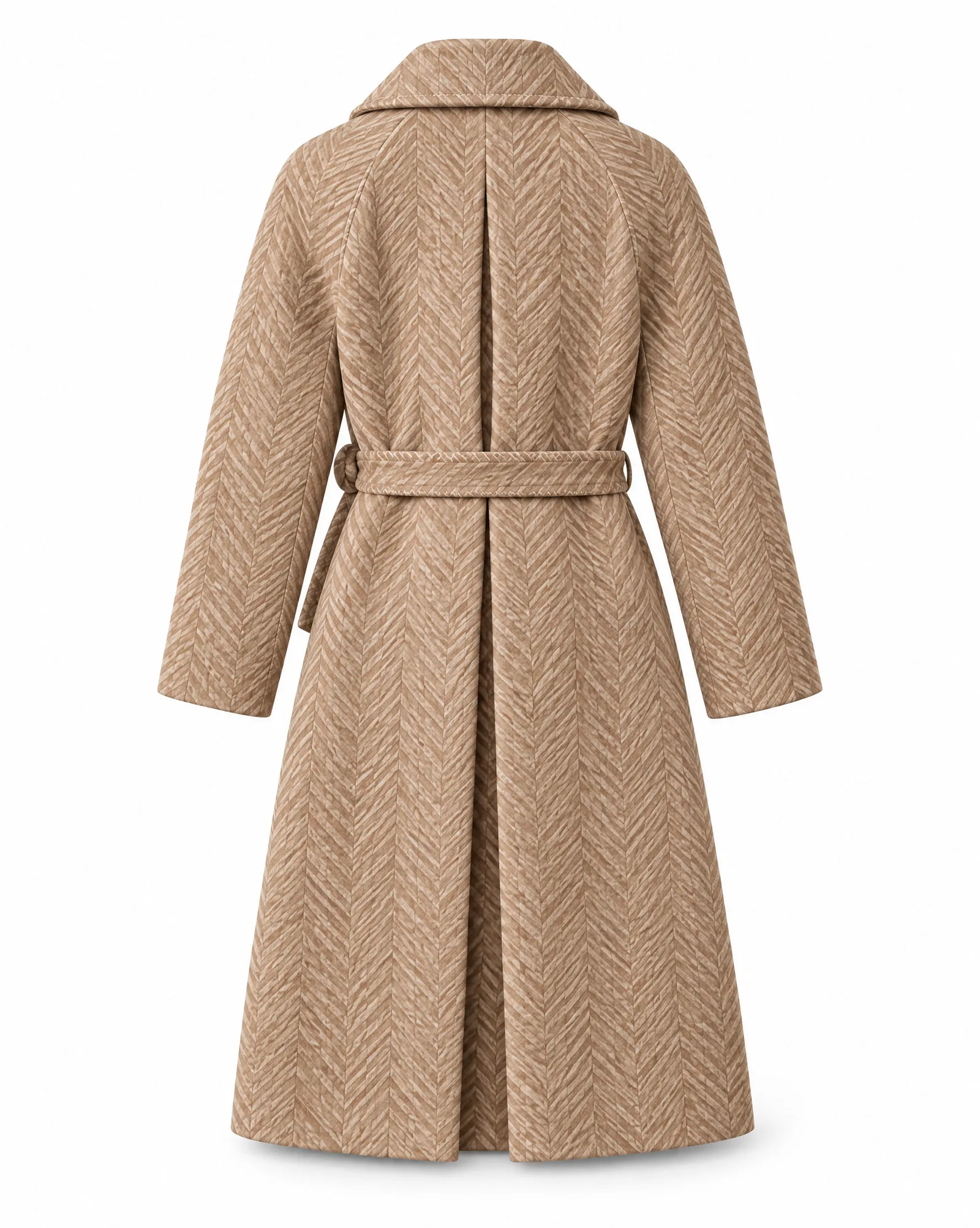
OW01 Herringbone coat · flat-lay, on white and back · AI image model, Collection 01
02Your way
Say what you need, or choose it yourself.
Tell Veyra: she asks before anything is made, about the channel, the model and what the look is still missing. Rather choose yourself? Walk through the steps, from model and scene to format and poses. Or start from a template that worked before.
The herringbone coat has no shoes. Shall I add the suede boot from your collection, or frame above the ankles?
Veyra 03The shoot
Explore first, then finish.
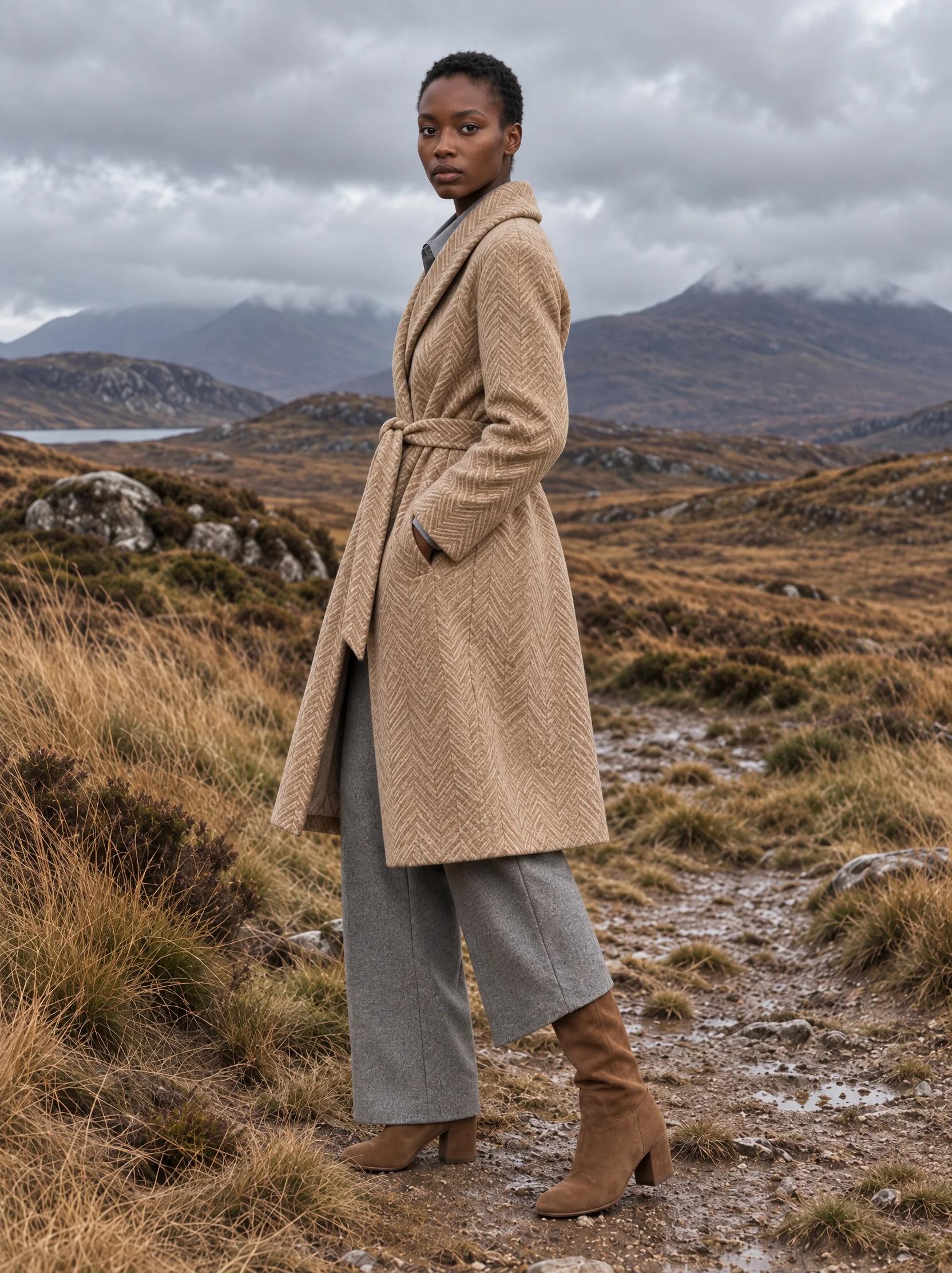
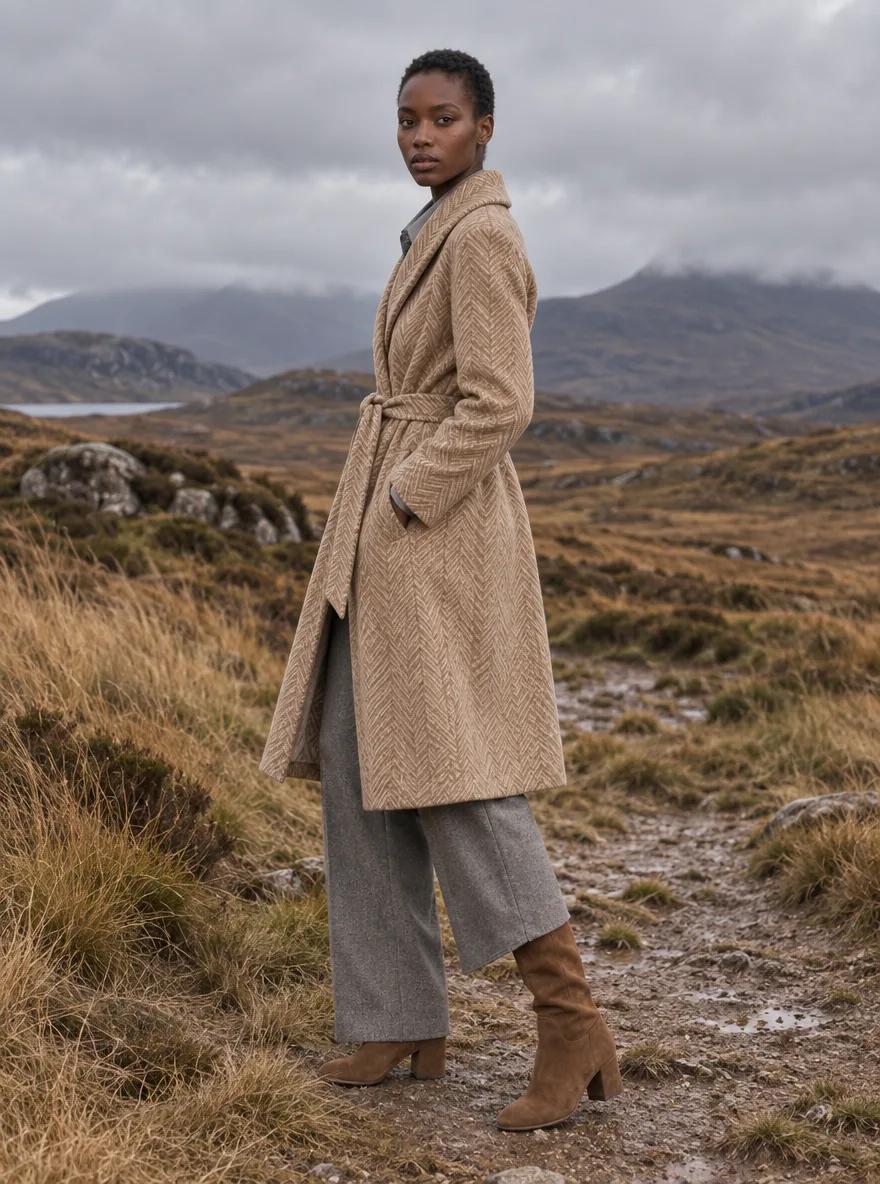
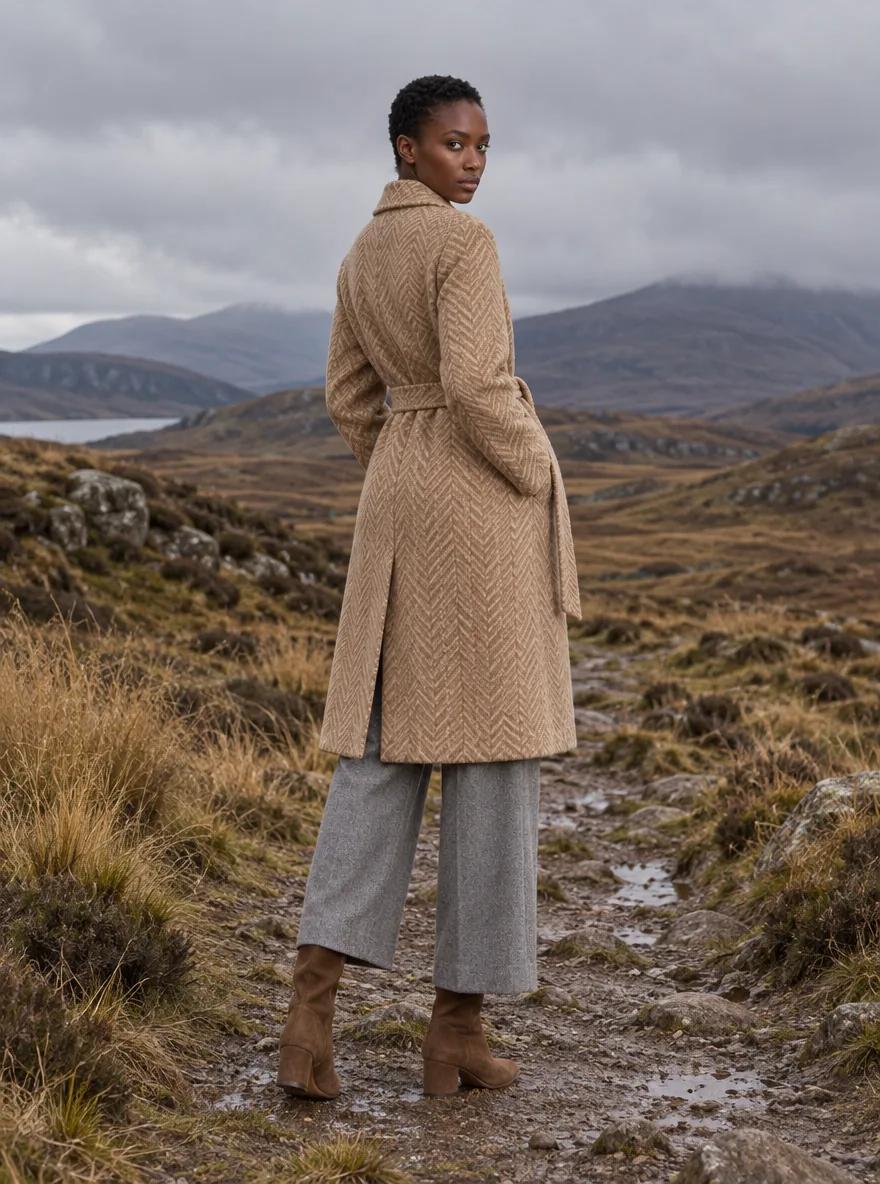
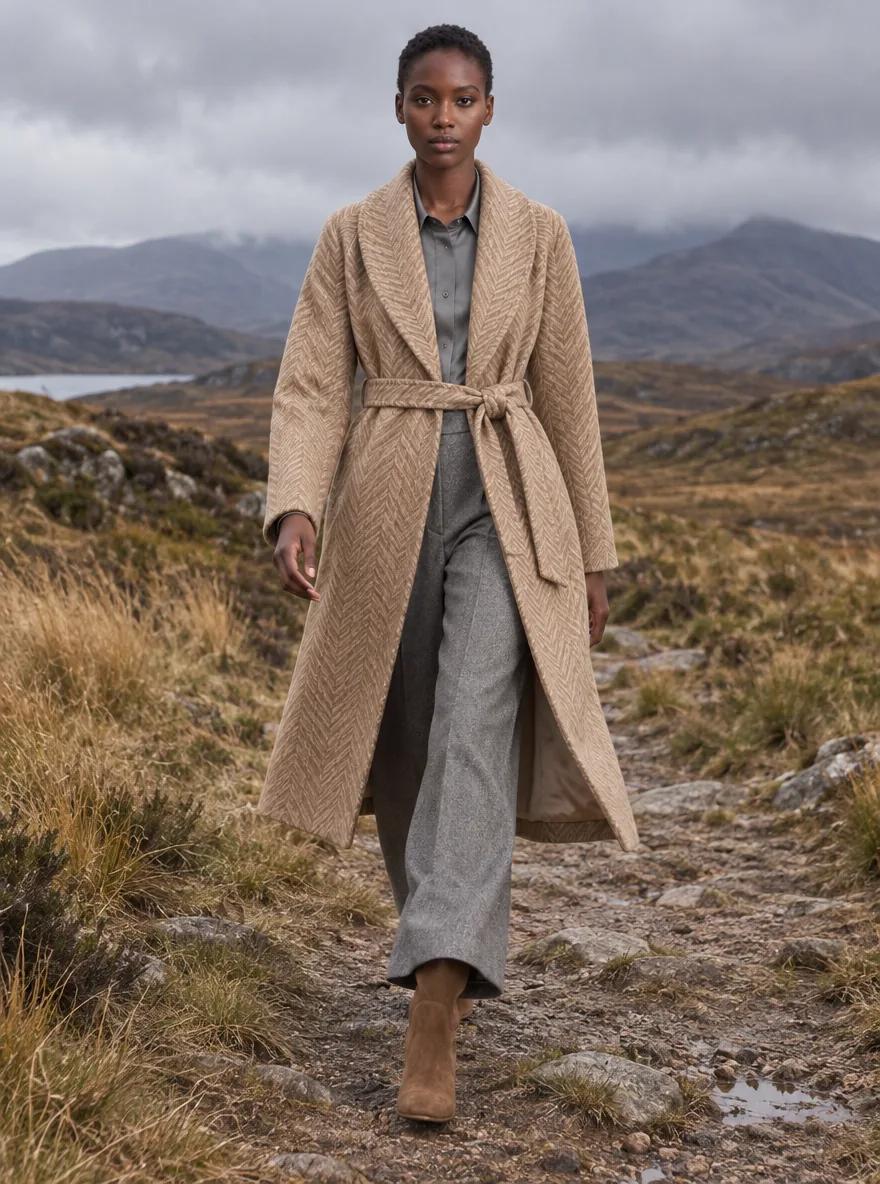
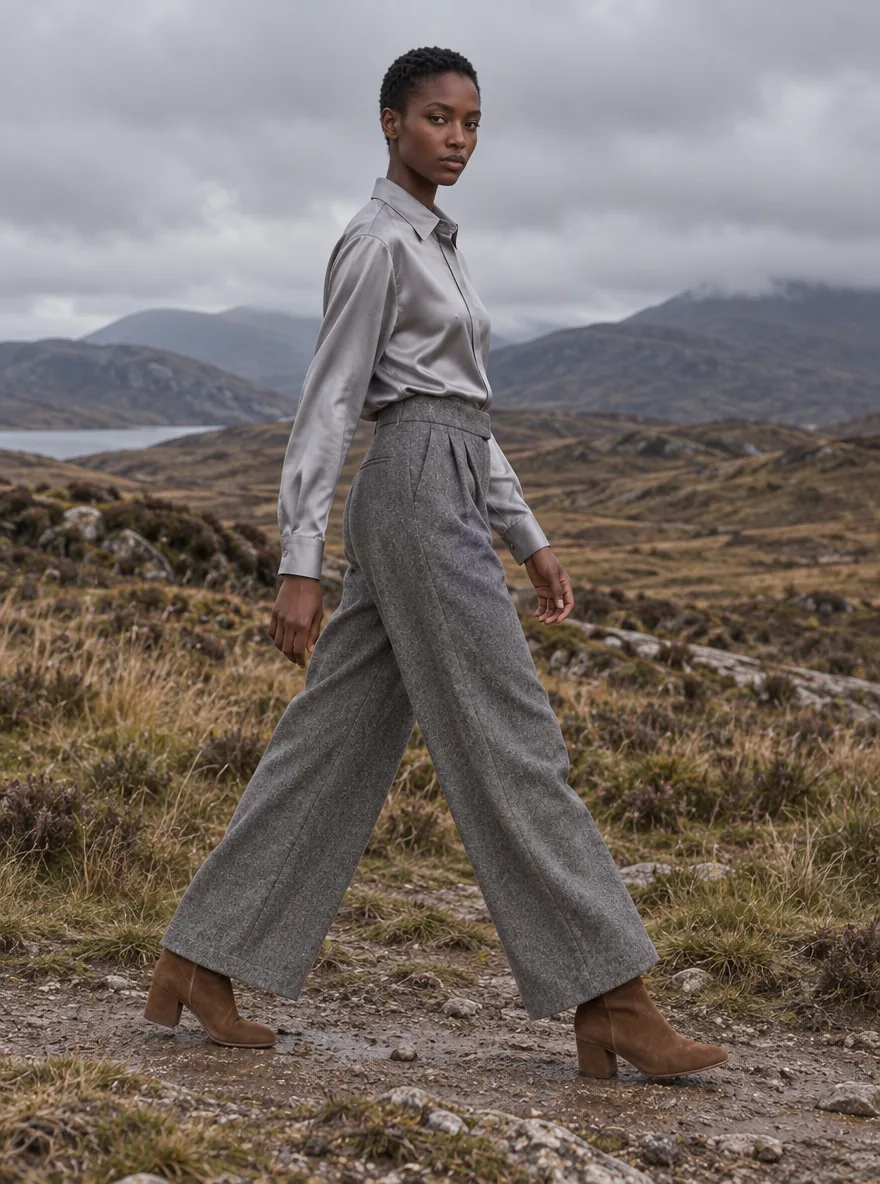
You start with concepts: quick and light, to choose model, pose and scene. The images you keep are finished in premium, with the concept as their starting point.
 Premium
 Concept
 Concept
 Concept
 Concept
Left, the premium image, finished from the outlined concept. Right, four concepts from the same shoot: you keep what works. · Zola · Scottish Highlands, overcast · Generated with VeyraGen · fictional collection, not for sale
04Delivery
Every shape, chosen per shoot.
4:5 or 3:4 for the product page, 9:16 for stories and reels, 16:9 for banners: every picture made in the shape you choose. Download them, or send them back to the product with the Shopify integration.
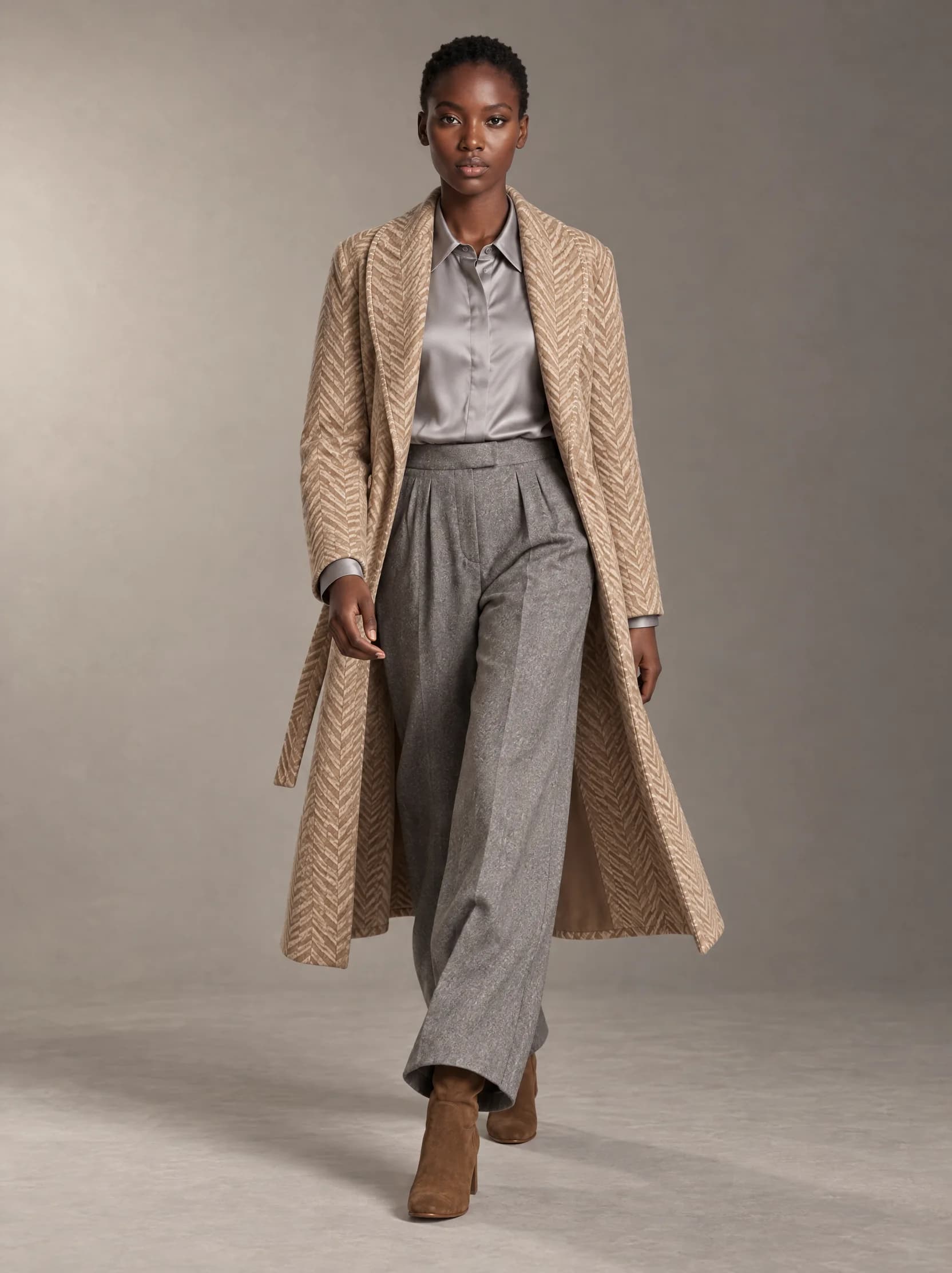
3:4 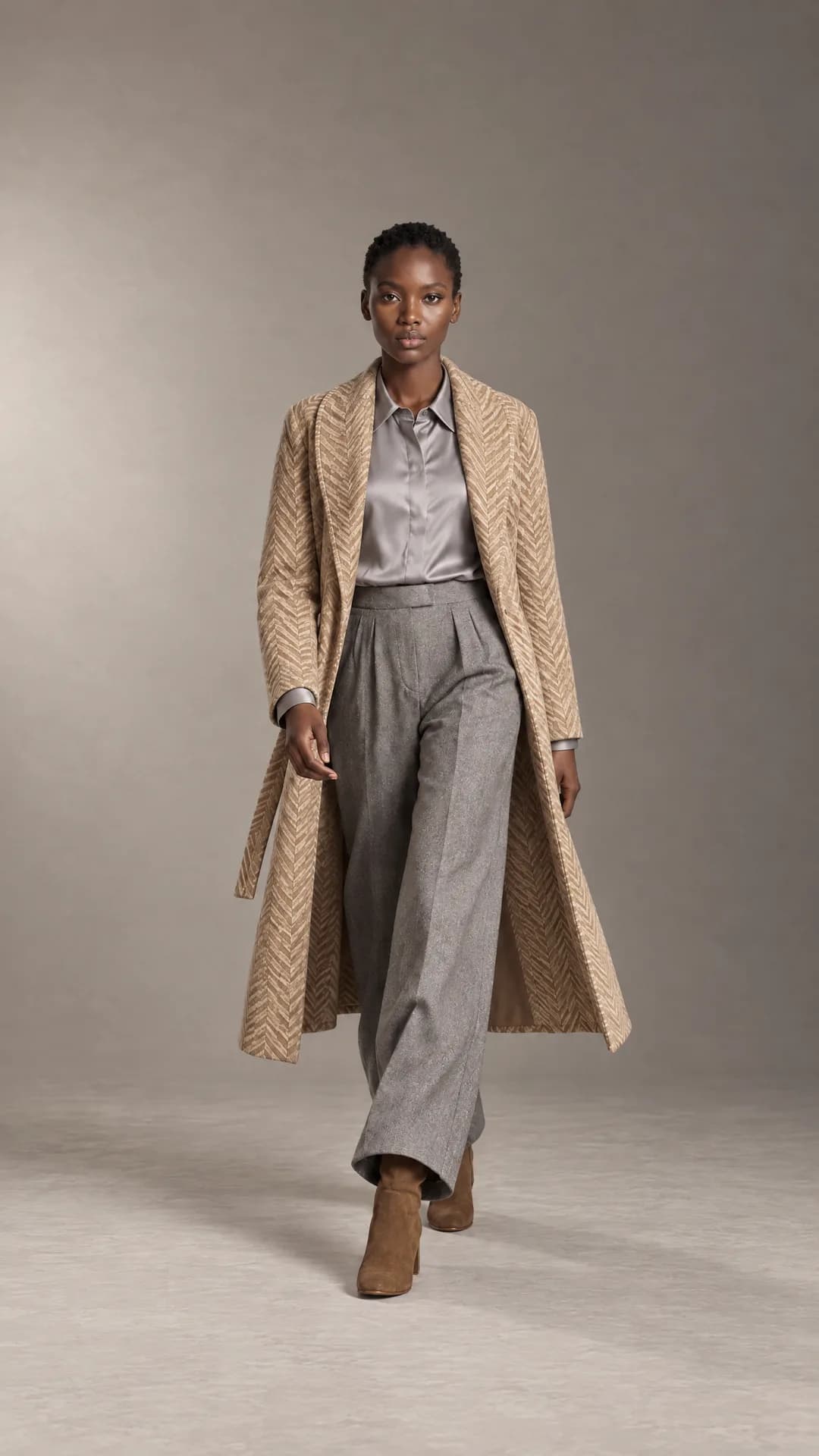
9:16 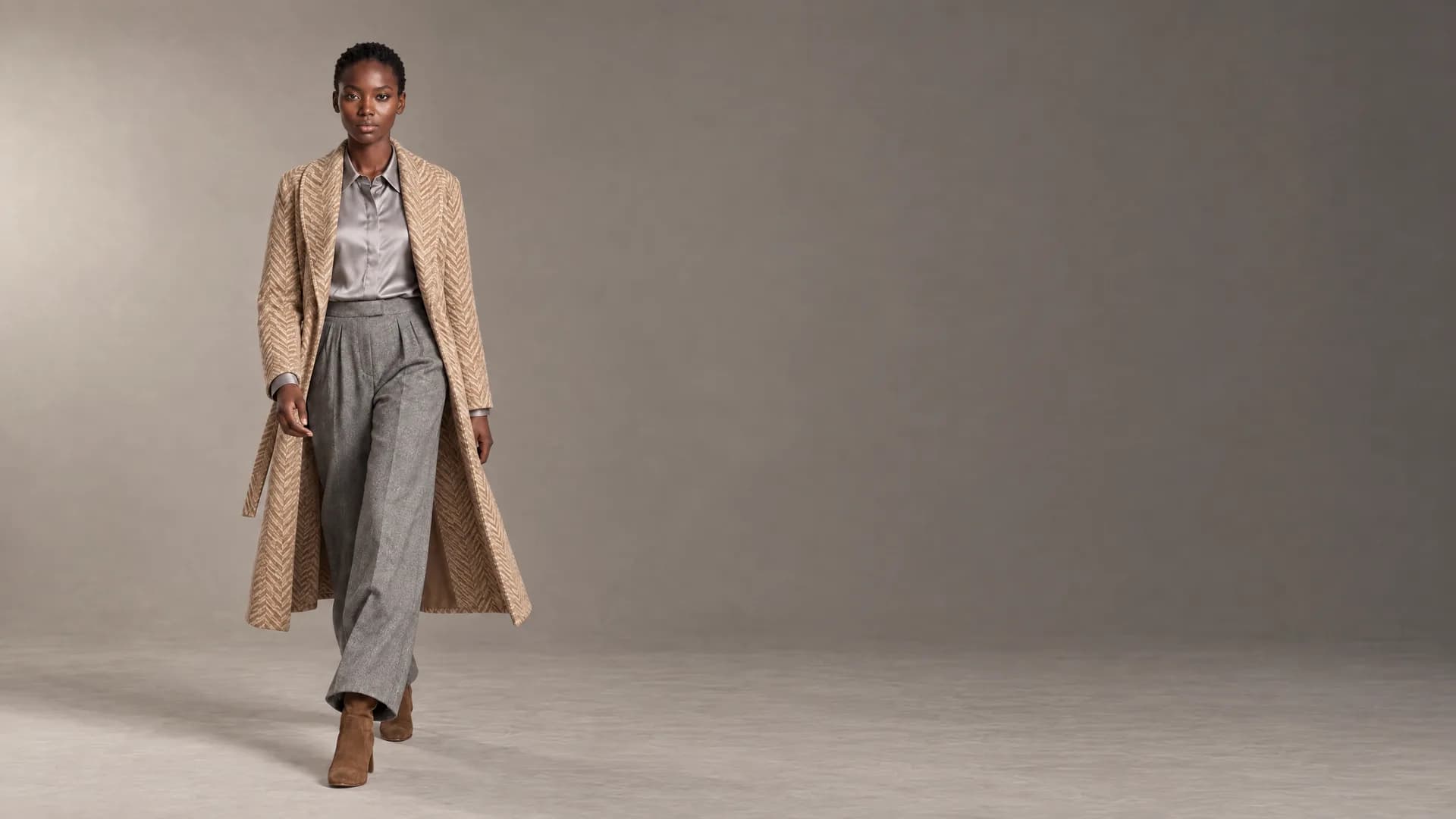
16:9 Look 01 in 3:4, 9:16 and 16:9 · each picture made in its own shape, nothing cropped or padded · Generated with VeyraGen
What is behind a shoot.
Veyra
The director in the studio. She asks before you spend credits and puts the shoot together with you.
Brand profile
Set the models, scenes and style your brand shoots with. Veyra brings them to every new shoot; what you ask in the conversation comes first.
Templates
Save a good shoot as a template and run it across your catalogue: the same casting, scene and style, for every product.
Quality check
After every image a second model takes a look: are all the pieces there, and does the pose match? What is off gets flagged.
How to photograph a flat-lay.
Good input, the way the studio asks for it.
- Laid flat from above, or standing free on a white background.
- A plain, neutral background.
- Only the product, no people.
- Front, back and detail photos of the same piece may go together.
- The whole piece in frame, laid smooth.
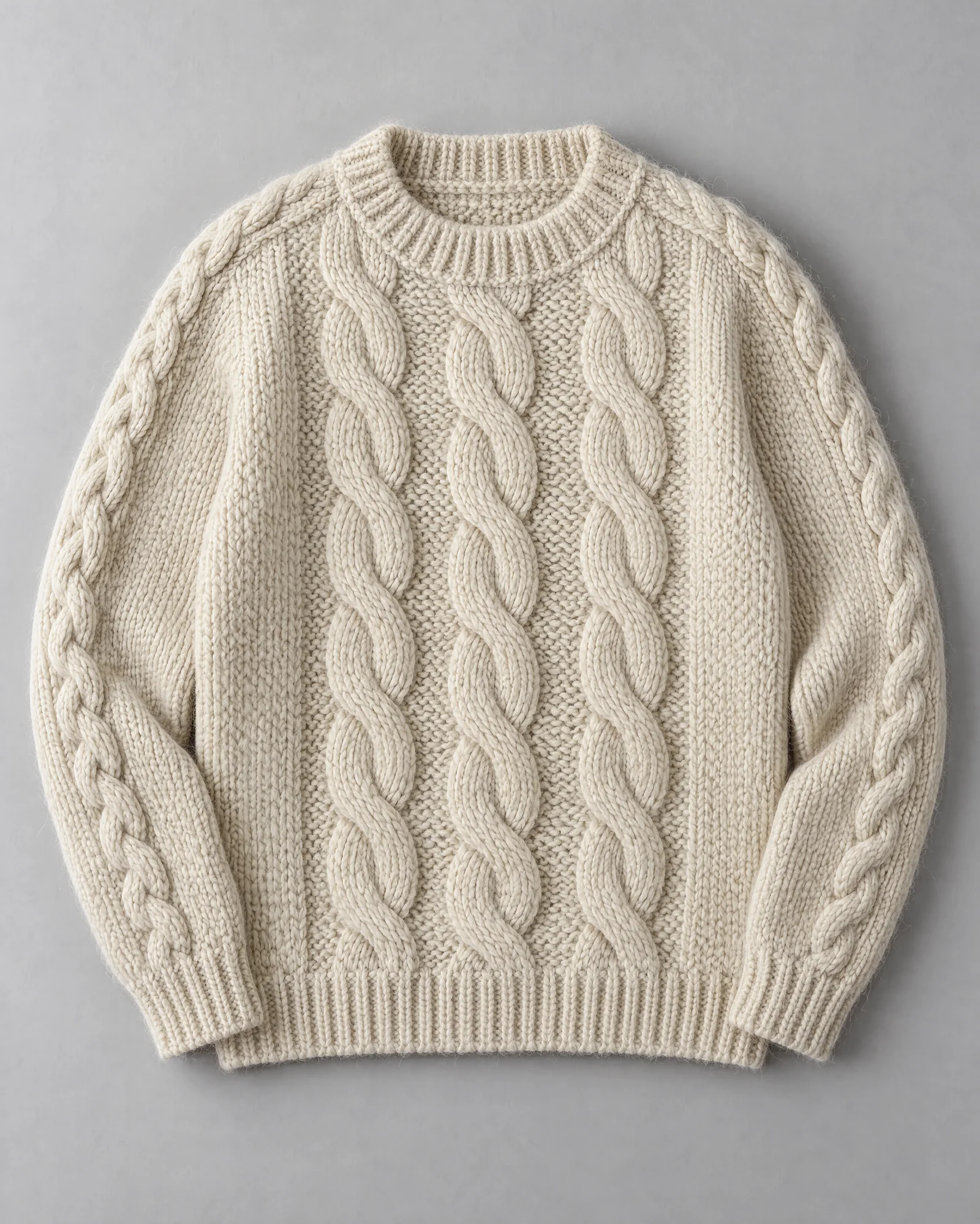
Example: KN01 Fisherman sweater, flat-lay · AI image model, Collection 01