Journal · Guide
How to photograph clothes for your online store
Flat-lay, on white, ghost mannequin or on a model: what each way shows, what studios charge for it, and where AI fits in.
By VeyraGen editors · 23 October 2026 · 5 min read · Lees in het Nederlands
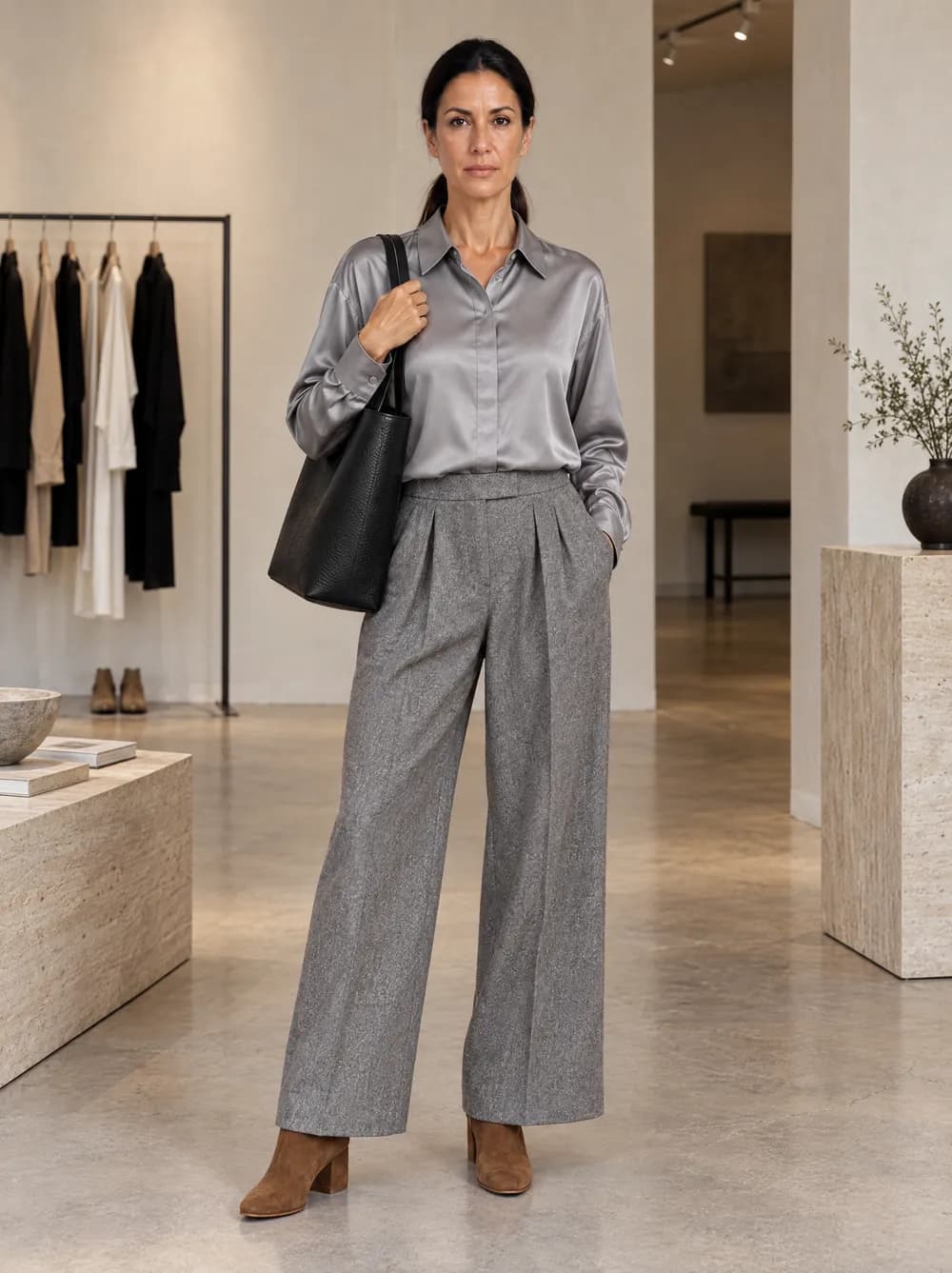
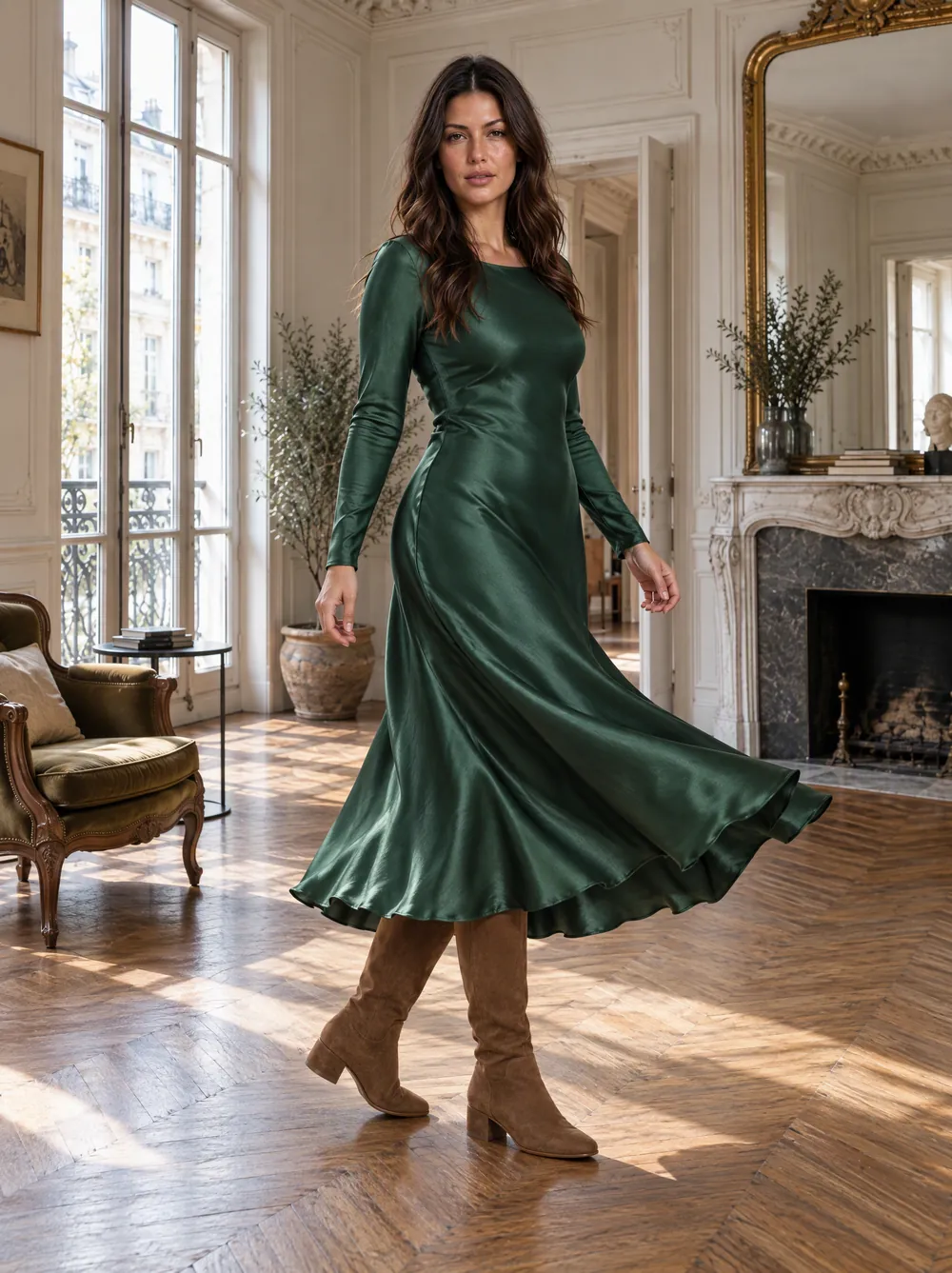
Look 16 · Elena · Concept store · Generated with VeyraGen · fictional collection, not for sale
Customers cannot touch your clothes. Whatever they know about the fabric, the colour and the fit, they take from your photos. There are four common ways to photograph clothing for an online store: laid flat, standing free on white, on an invisible mannequin, and on a model. Each shows something different and costs something different. This guide puts them side by side, with the prices studios ask for them today.
Laid flat: the flat-lay
In a flat-lay the piece lies flat on a plain surface and you shoot straight down. It is the cheapest way and you can do it yourself: a table or the floor, a large window and a phone are enough. A flat-lay shows colour, fabric and details well. What it does not show is how the piece falls on a body.
Studios charge roughly €10 to €30 per photo for a flat-lay, excluding VAT. Dutch studio Easyshoots asks €18 per photo for tight styling and €20 for loose, flowing styling.
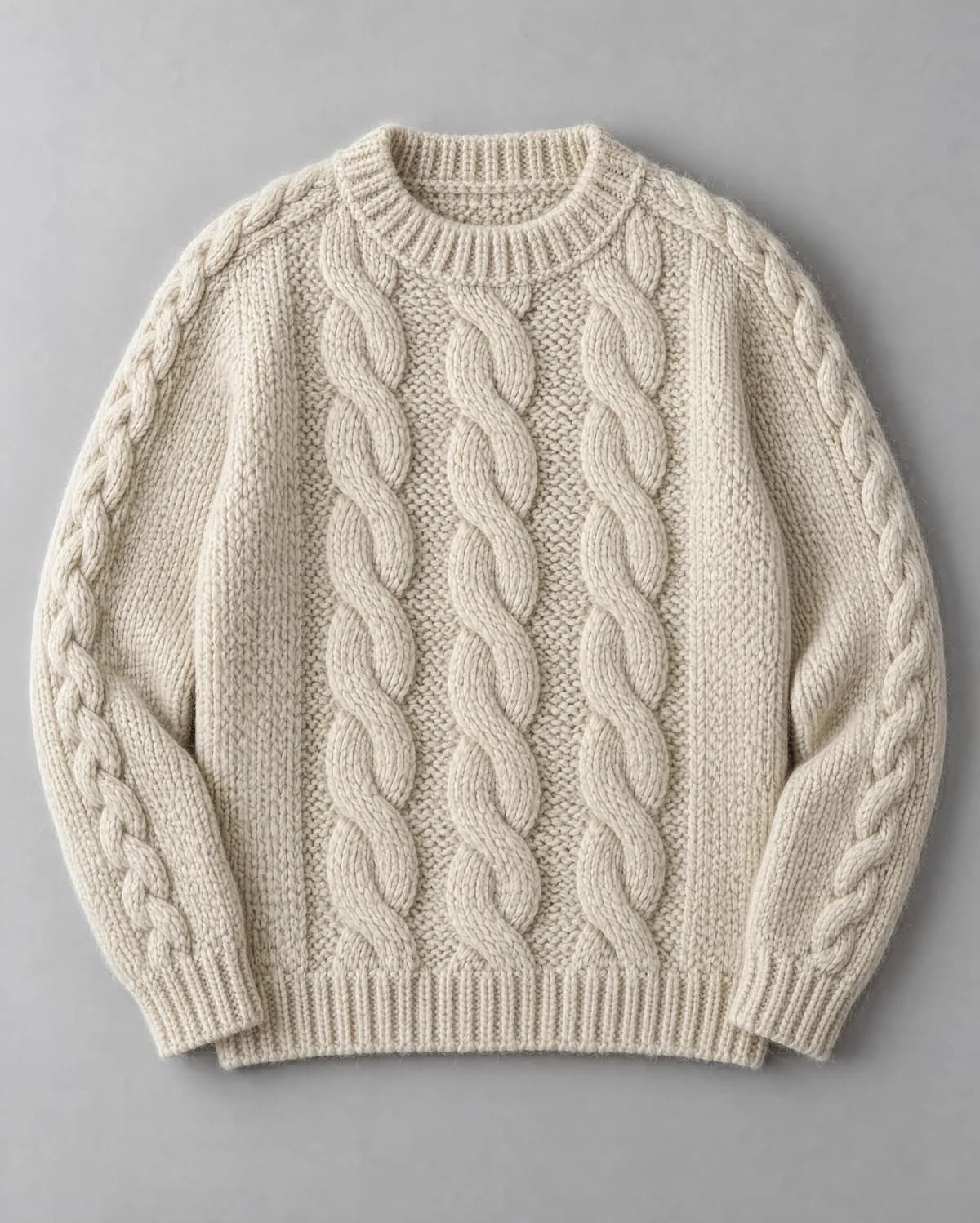
Flat-lay from above: KN01 Fisherman sweater. Example from Collection 01, made with an AI image model.
How to make a good flat-lay, with background, light and white balance, is in our guide How to photograph a flat-lay that AI understands.
Standing free on white: the packshot
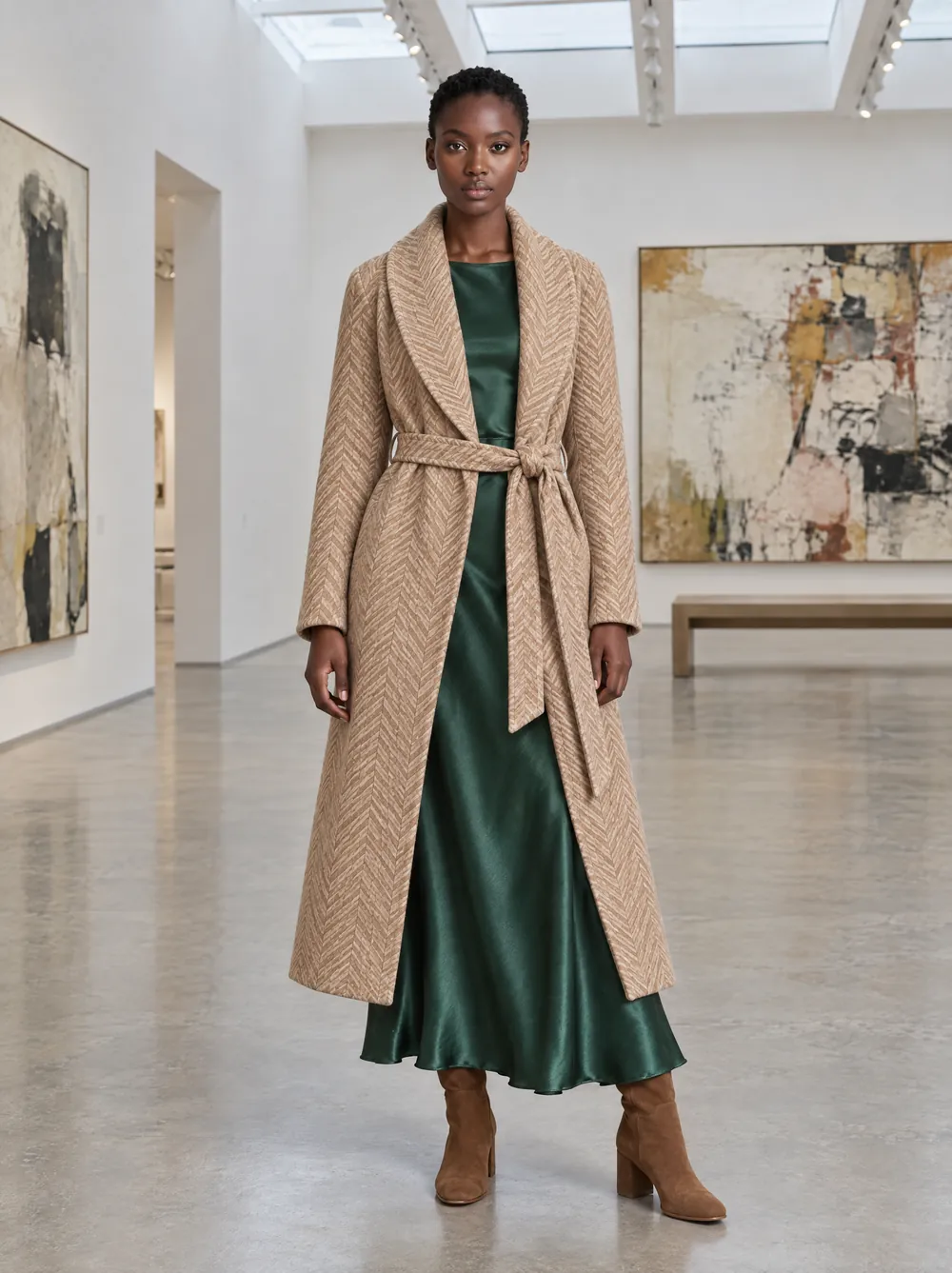
On white, the piece stands free from the front against a white background, often on a hanger or a stand that is removed afterwards. It looks calm and fits any product page. Many stores already have this photo, because suppliers send it along. For a piece with volume, such as a coat, on white often works better than flat.
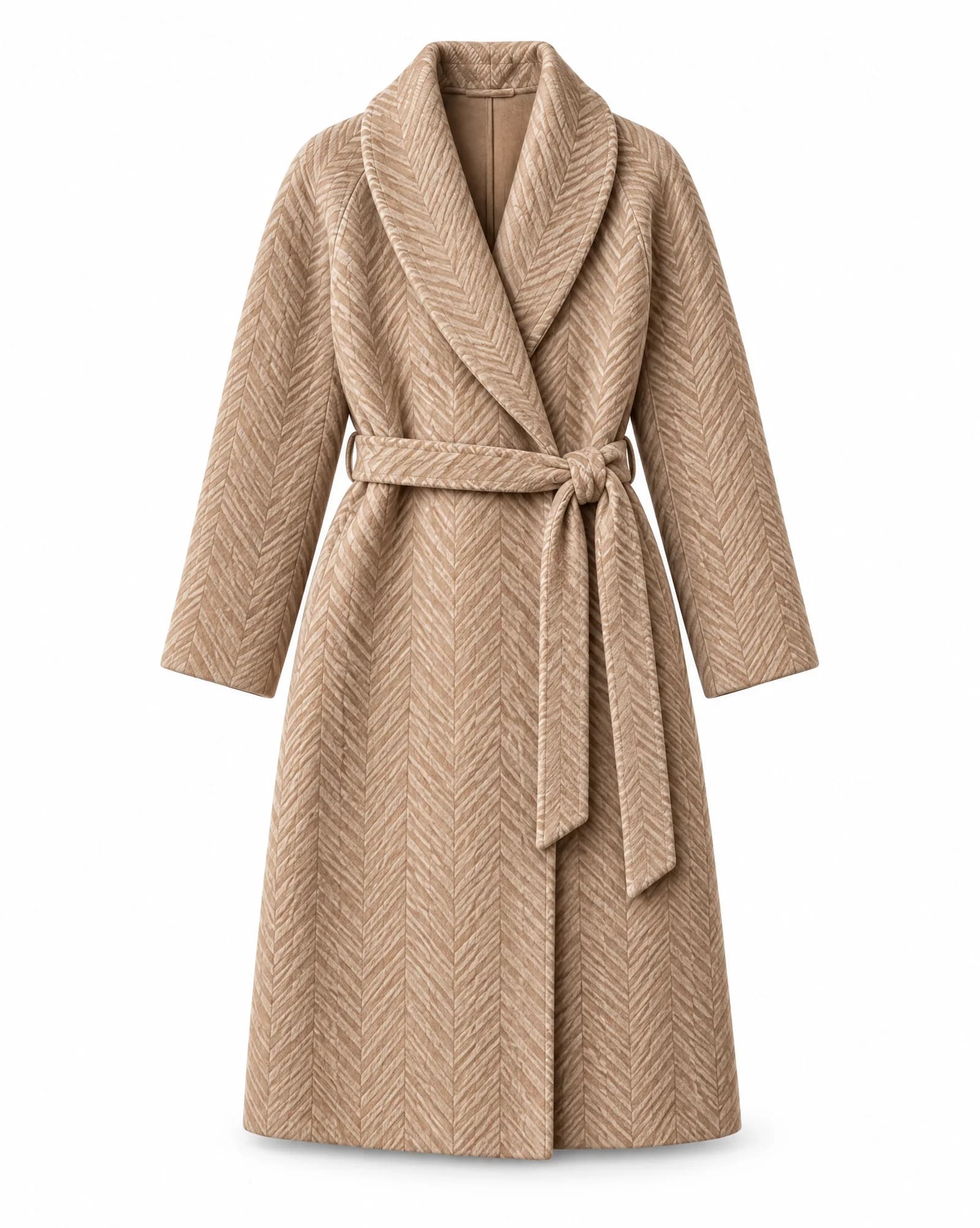
On white: OW01 Herringbone coat. Example from Collection 01, made with an AI image model.
On an invisible mannequin: ghost mannequin
With ghost mannequin, a mannequin wears the piece and a retoucher removes the mannequin afterwards. Often a second photo of the inside of the collar is added. The result shows the shape of the piece as if it were worn, with no one in it. It takes more work than a flat-lay: two photos and retouching per piece.
Studios ask roughly €15 to €40 per photo for ghost mannequin. Easyshoots charges €17.50 per photo on a mannequin when you order two or more photos per piece, and €19.50 for one.
On a model
On a model you see what the other ways do not show: how a piece falls, how long it is on a body, and how to wear it with other things. It adds mood, and it is the picture that works best on social media. It is also by far the most expensive. A studio shoot with a model costs roughly €600 to €1,200 per half day, before the model's fee. A lookbook or campaign day, with model and styling, comes to €1,500 to €5,000.
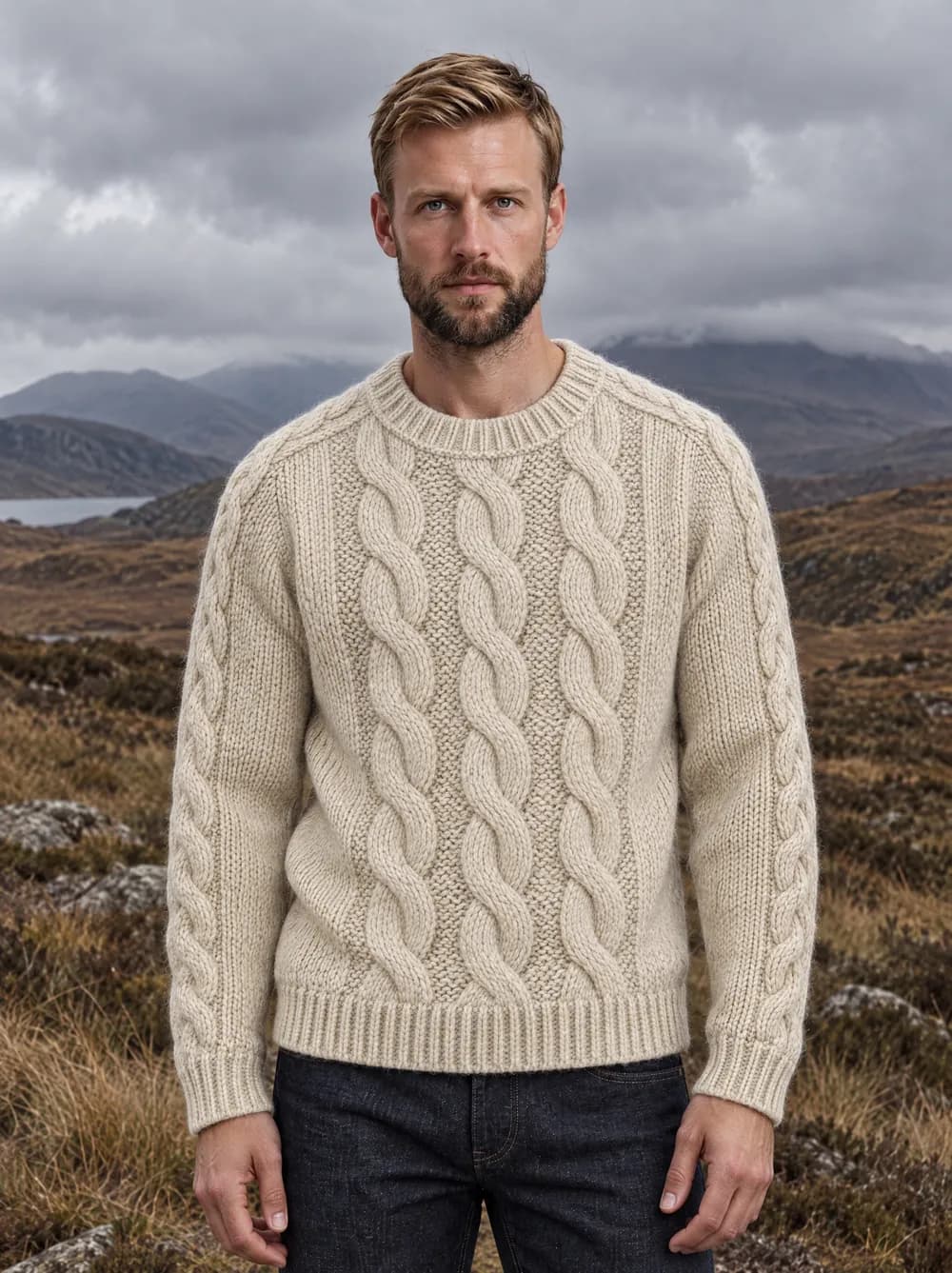
On model: Look 04 · Pieter · Scottish Highlands, overcast · Generated with VeyraGen · fictional collection, not for sale
Shooting it yourself: the basics
Whichever way you choose, the same four things make the difference.
- A plain surface. White, light grey or a neutral stone. No wood grain, no tiles.
- Soft light. A large window on an overcast day, or two lamps through a diffuser. No flash.
- Fixed white balance. Otherwise ecru turns yellow or grey, and the colour no longer matches what the customer receives.
- The whole piece in frame. Smooth, straight, with buttons and zips closed the way it is worn.
A recent phone is more than enough. A blurred photo is worse than a simple camera.
You usually have a flat-lay or a photo on white already. A photo on a model is where the money and the time go.
Where AI fits in
A photo on a model no longer has to start with a model. With AI you make it from the flat-lay or the photo on white you already have: the same piece, on a model and in a scene you choose. You choose the model, the pose and the place, and you can show the same piece on more models without a new shoot. How that works step by step is in From flat-lay to on-model photo with AI.
Two things still matter. The product photo has to be good, because whatever is not in it, the AI model has to fill in itself. And you check that the piece on the model is the same as in your collection: colour, fabric and details.
Which one should you choose?
- For every product page: a flat-lay or a photo on white as the base. Cheap, and it is also what AI needs.
- For coats, jackets and pieces with shape: ghost mannequin or on a model, so the customer sees the shape.
- For mood, social media and campaigns: on a model.
Want to see what your own piece does on a model? With 25 free credits you make your first images, without a subscription. What an image costs after that is on the pricing page.
Sources for the prices, excluding VAT and checked on 23 October 2026: Easyshoots, clothing photography rates; Viralistic, Kledingfotografie (30 July 2026), indicative rates for flat-lay, ghost mannequin, studio with model and lookbook day. Both are Dutch studios and guides; prices elsewhere differ.