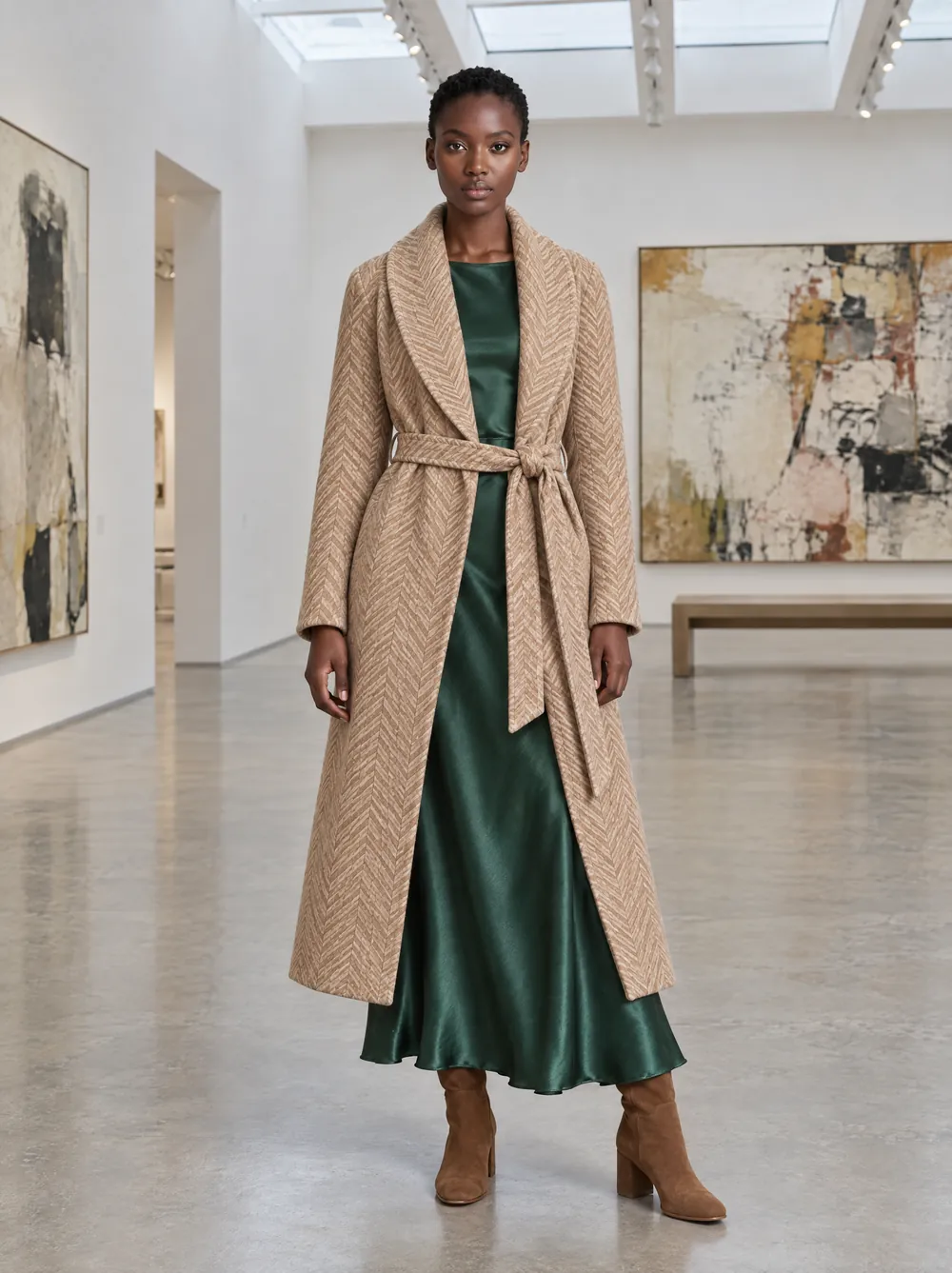
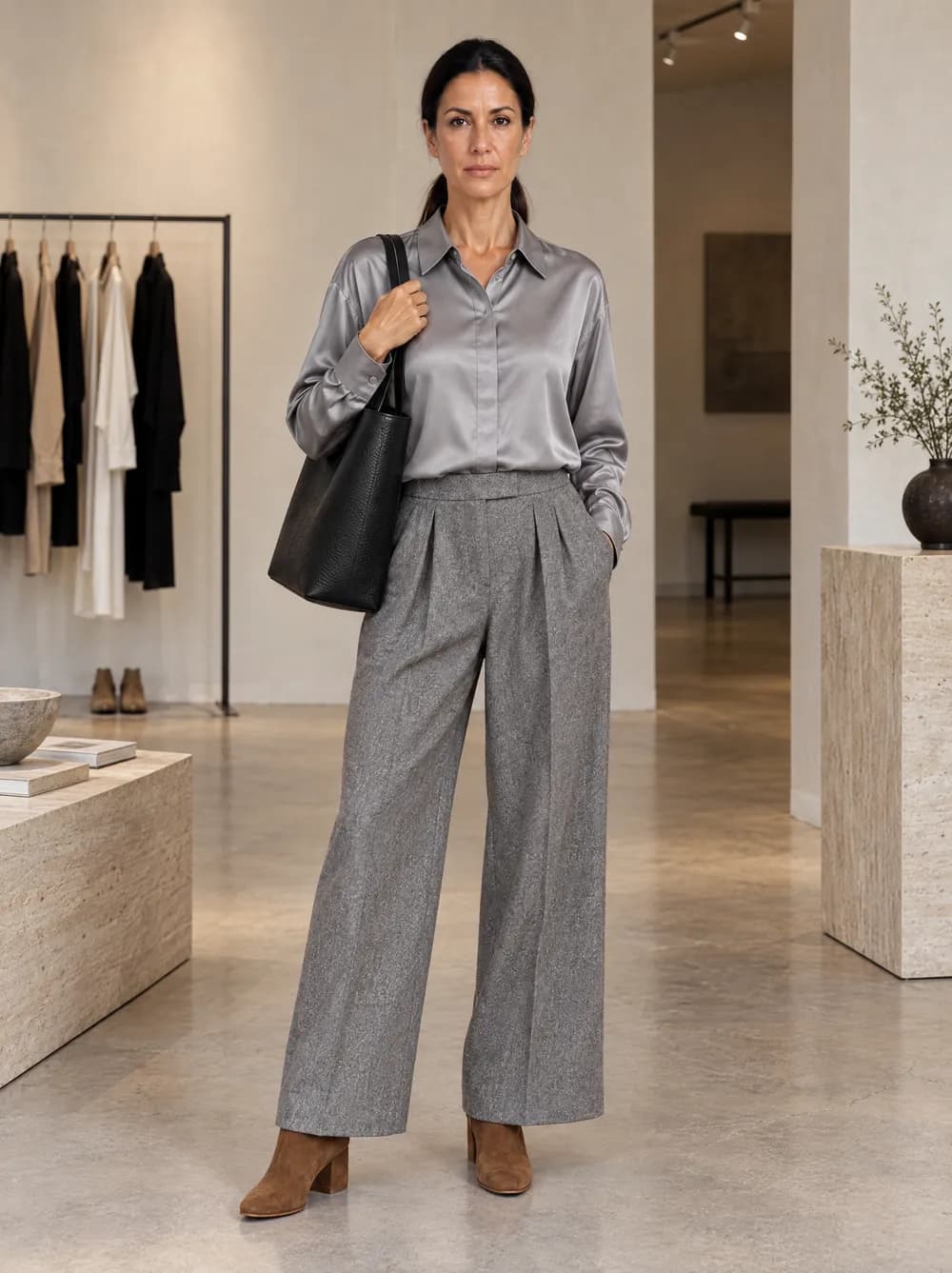
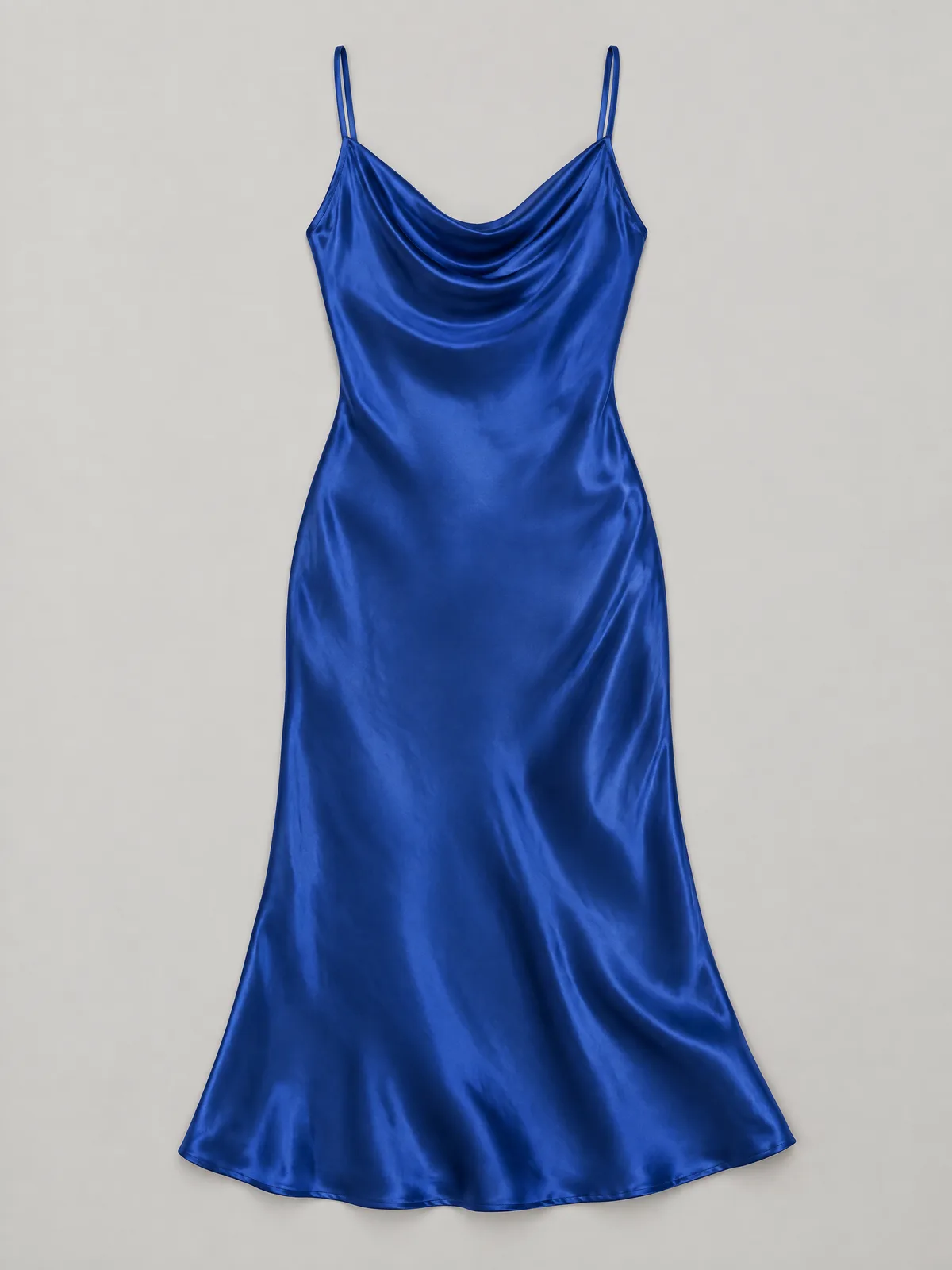
Journal · Guide
From flat-lay to on-model photo with AI
How to turn a product photo into a picture on a model: what you upload, what you choose, and what to check. With a dress and a boot from our collection.
By VeyraGen editors · 23 October 2026 · 4 min read · Lees in het Nederlands
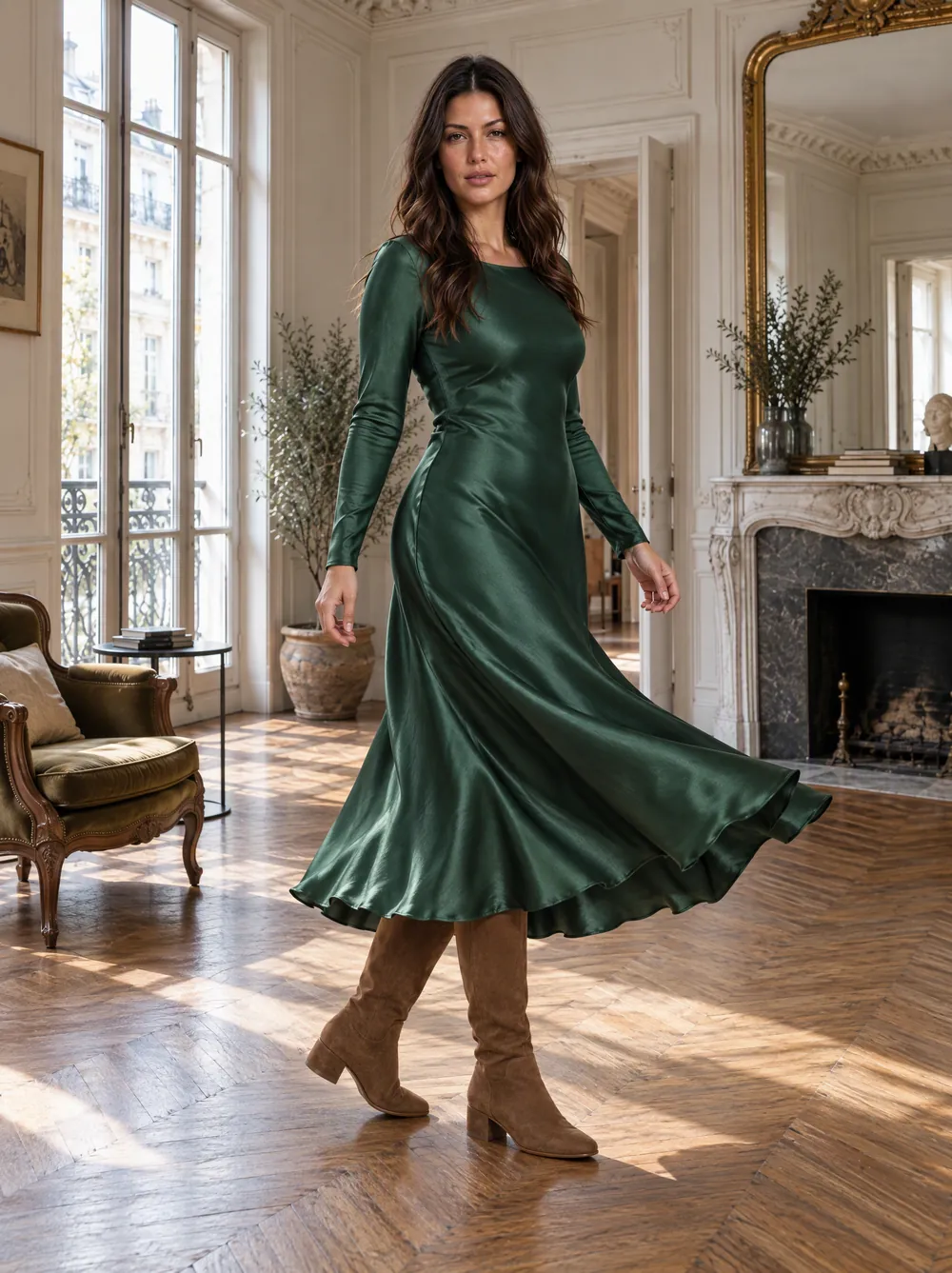
Look 03 · Chiara · Paris apartment · Generated with VeyraGen · fictional collection, not for sale
A flat-lay holds almost everything an on-model photo needs: the colour, the fabric, the seams and the buttons. What is missing is the body, the pose and the place. That is what AI adds. This guide shows how you get from a product photo to a picture on a model, with two pieces from our own collection: a green satin dress and a suede boot.
What you put in
You start with the photos you probably have already: a flat-lay or a photo on white, one per piece. A look often has several pieces. Upload all of them, so the model wears the whole look and not a dress with made-up shoes.
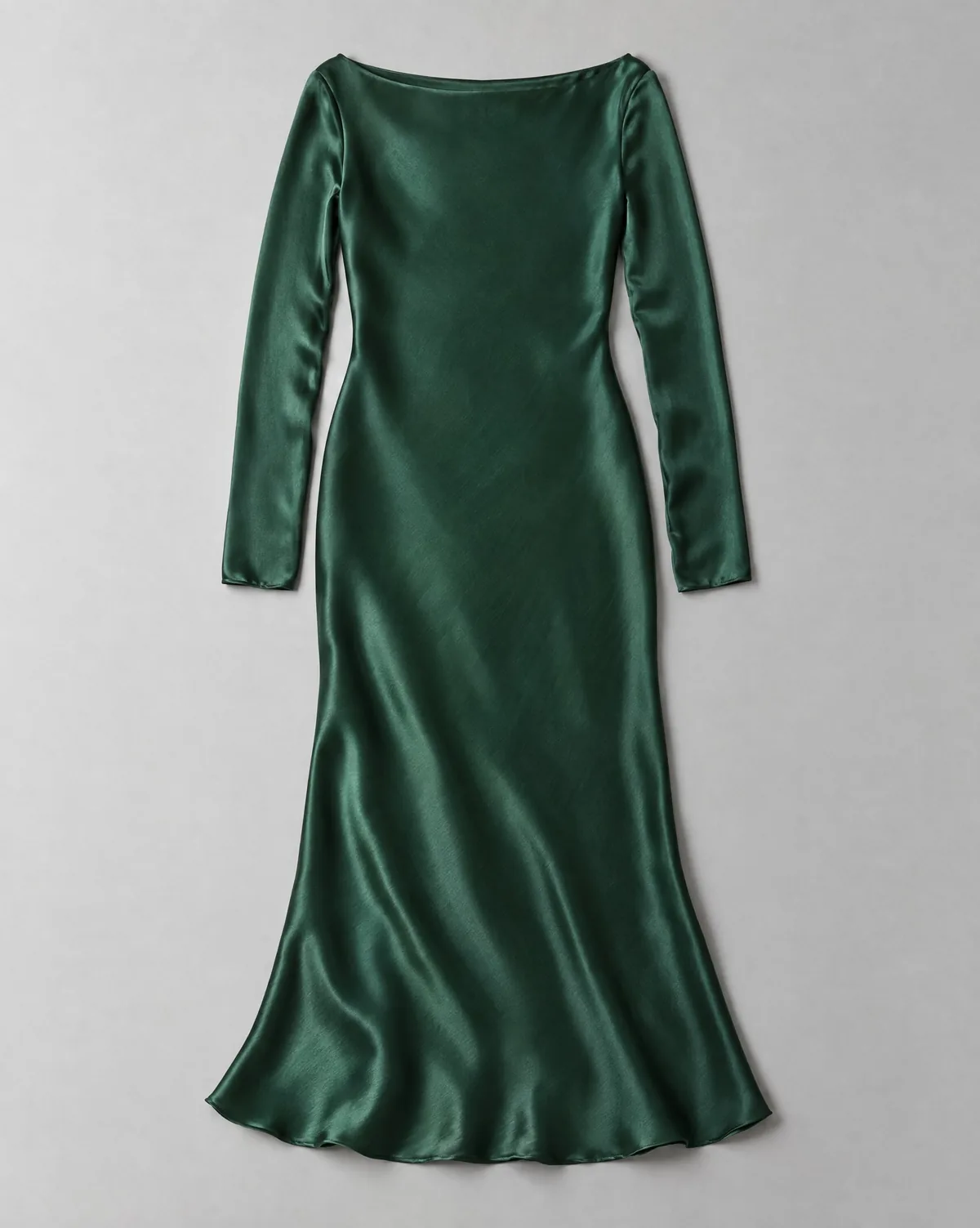
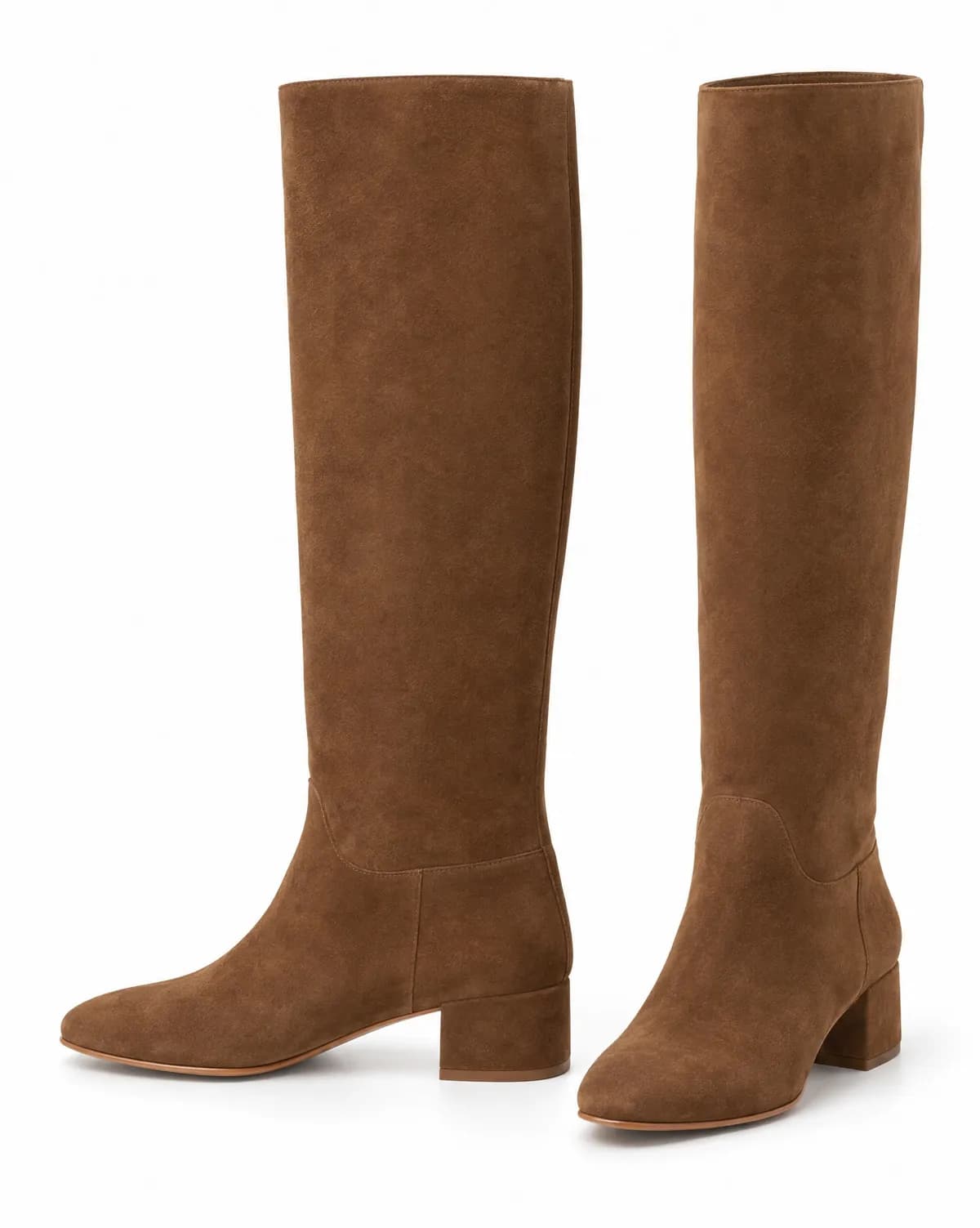
The input: DR01 Satin dress and SH01 Suede boot, each as a product photo. AI image model, Collection 01.
If you also have a back view or a detail of a piece, upload it together as one product. A back view is needed for poses in which the model turns around. A detail helps with fabrics that have a pattern or texture, so it keeps its scale on the model. How to make the product photo itself is in How to photograph a flat-lay that AI understands.
What you choose
Then you choose who wears the piece, and where. In VeyraGen that takes a few steps.
- The model. From the library, or, from Starter, a model of your own that you describe and pick from nine faces. Your own model comes back in every shoot, so your catalogue has one face. See Casting.
- The place. A studio, a street, an interior or a landscape from the library, or, from Starter, your own shop or studio as a scene.
- The style and the poses. From a calm catalogue photo to an editorial or a candid picture for social media.
- The shape. 4:5 or 3:4 for the product page, 9:16 for stories and reels, 16:9 for a banner. Every image is made in that shape, not cropped afterwards.
Not sure yet? Tell Veyra, the director in the studio. She asks about what is missing before anything is made: the channel, the model, or the shoes that are not in the look yet.
Concepts first, then premium
You start with concepts: quick, light images to choose model, pose and place. Concepts cost few credits, so you can compare at ease. The images you want to keep, you then finish in premium, with the concept as the starting point. That way most of your credits go to the images you actually use.
What comes out
The same two pieces, on two models and in two places. No new shoot, no new product photos.
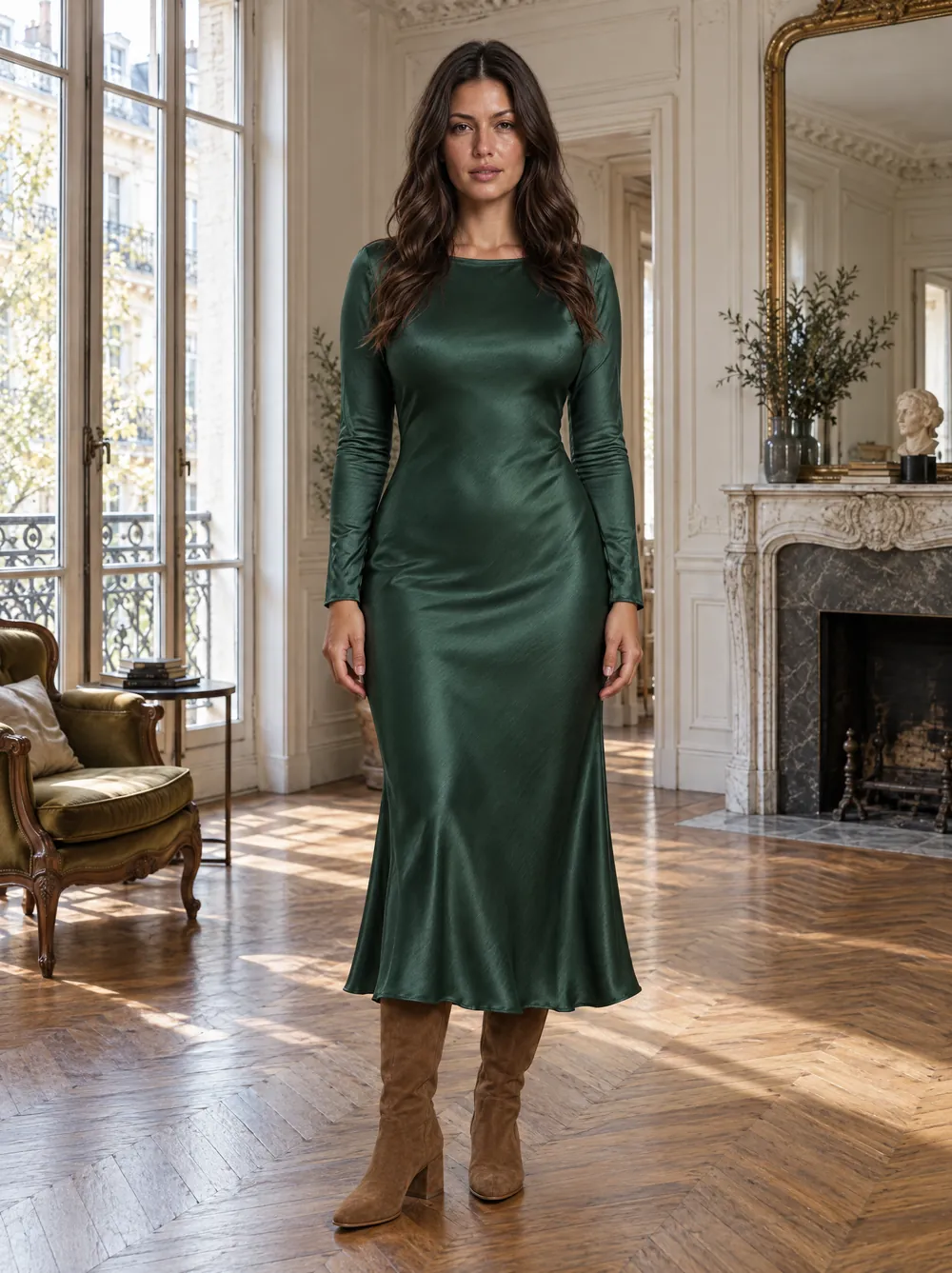
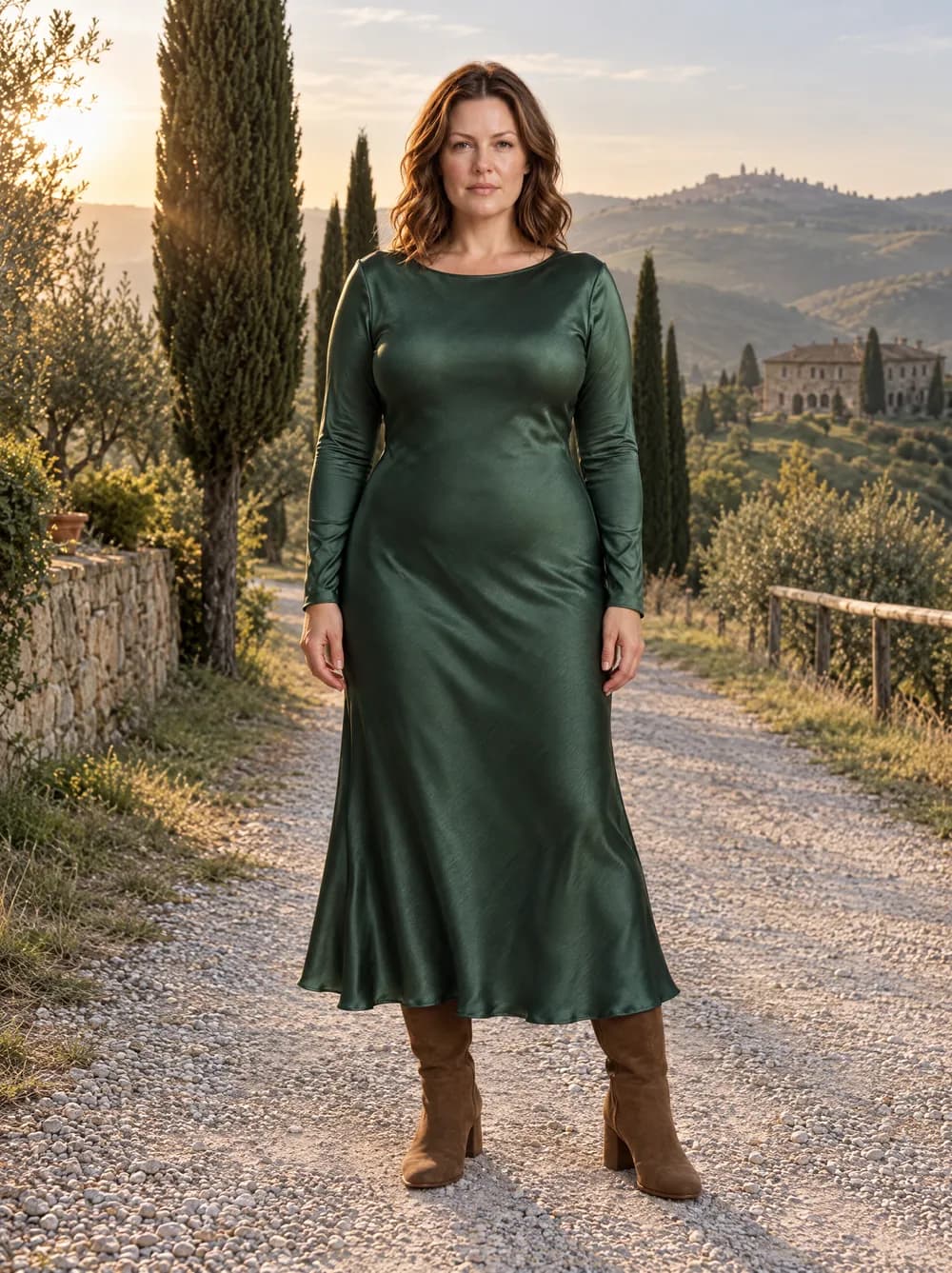
Look 03 · Chiara · Paris apartment, and Look 21 · Sarah · Tuscany, morning · Generated with VeyraGen · fictional collection, not for sale
More looks from this collection, each next to the product photos they were made from, are in the lookbook.
What to check
The piece on the model has to be the piece in your collection. The same colour, the same fabric, the same details.
AI makes the body, the light and the place. The piece itself has to come from your product photo. That is why a second model checks every image: are all the pieces there, and is the pose right? Whatever differs is flagged. Look for yourself too, especially at small prints, logos and buttons. A sharp detail photo helps most there.
Two things to know. The models in the library do not exist; if you work with photos of a model of your own, you need that person's consent. And every image carries an AI marking in its metadata, so platforms can tell it was made with AI. More on the Trust page.
From one piece to your whole catalogue
When a shoot works, save it as a template: the same casting, place and style, for every next product. If you sell on Shopify, bring your products in with the Shopify integration and send the images back to the product.
Try it with your own piece: once you confirm your email address you get 25 free credits, enough for concepts and your first premium images. How a shoot goes from there is on How it works.