AI model photography for clothing.
From your product photo to a photo on a model, without a studio, a photographer or a model. Upload a flat-lay or a photo on white, choose a model, a pose and a setting, and VeyraGen puts your piece on the model, with the colour, the fabric and the details of your own product.
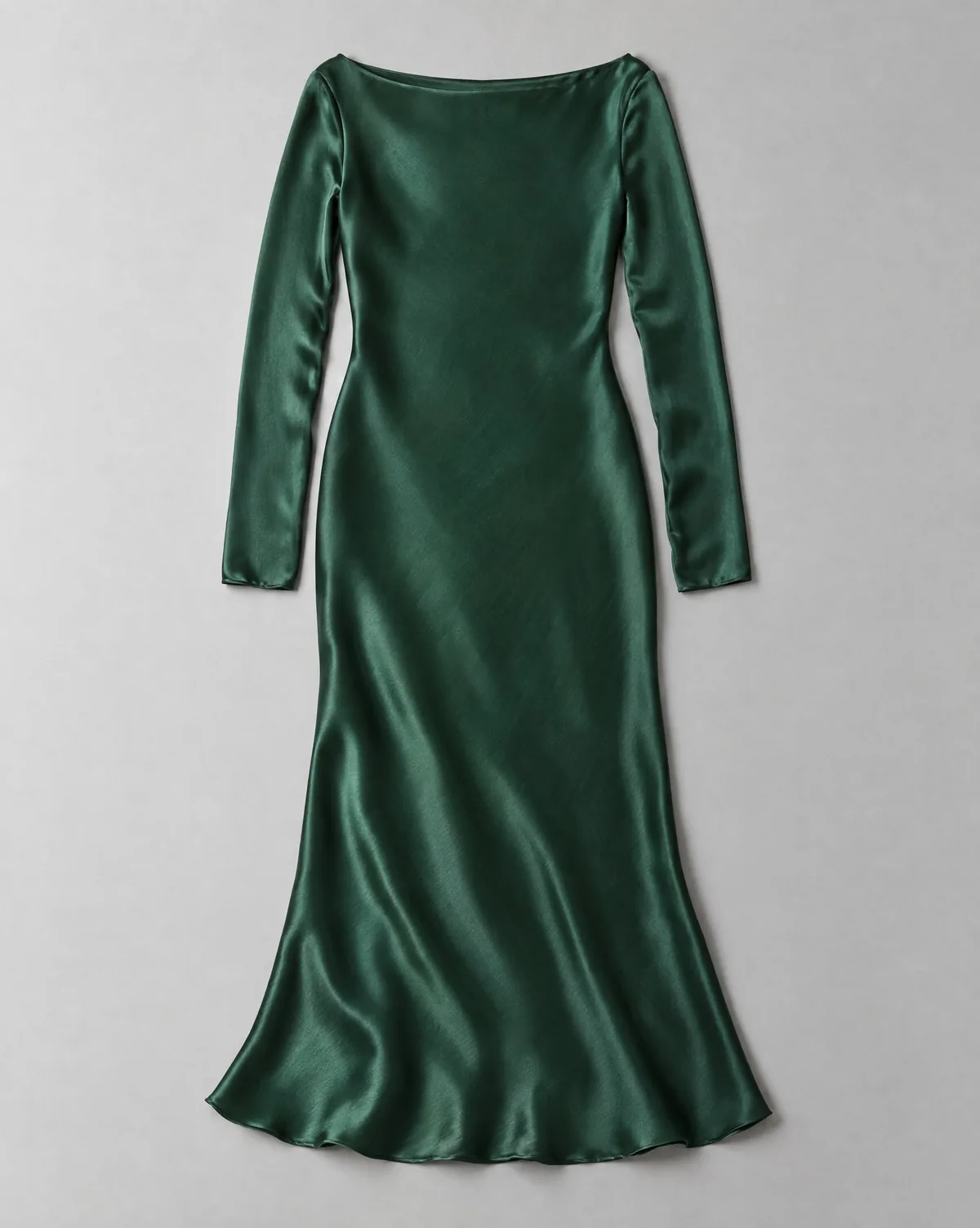
Your product photo
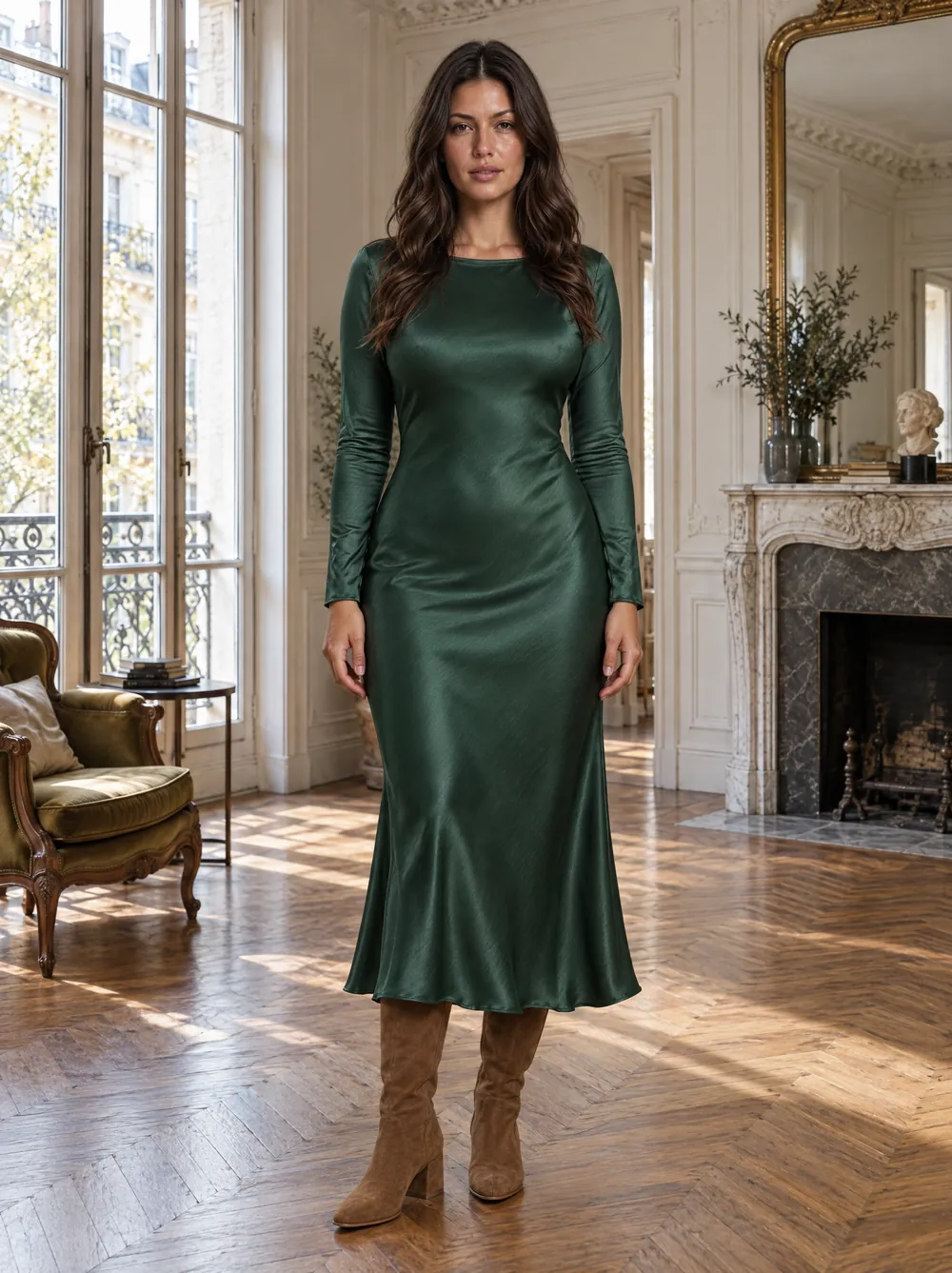
On a model in Paris
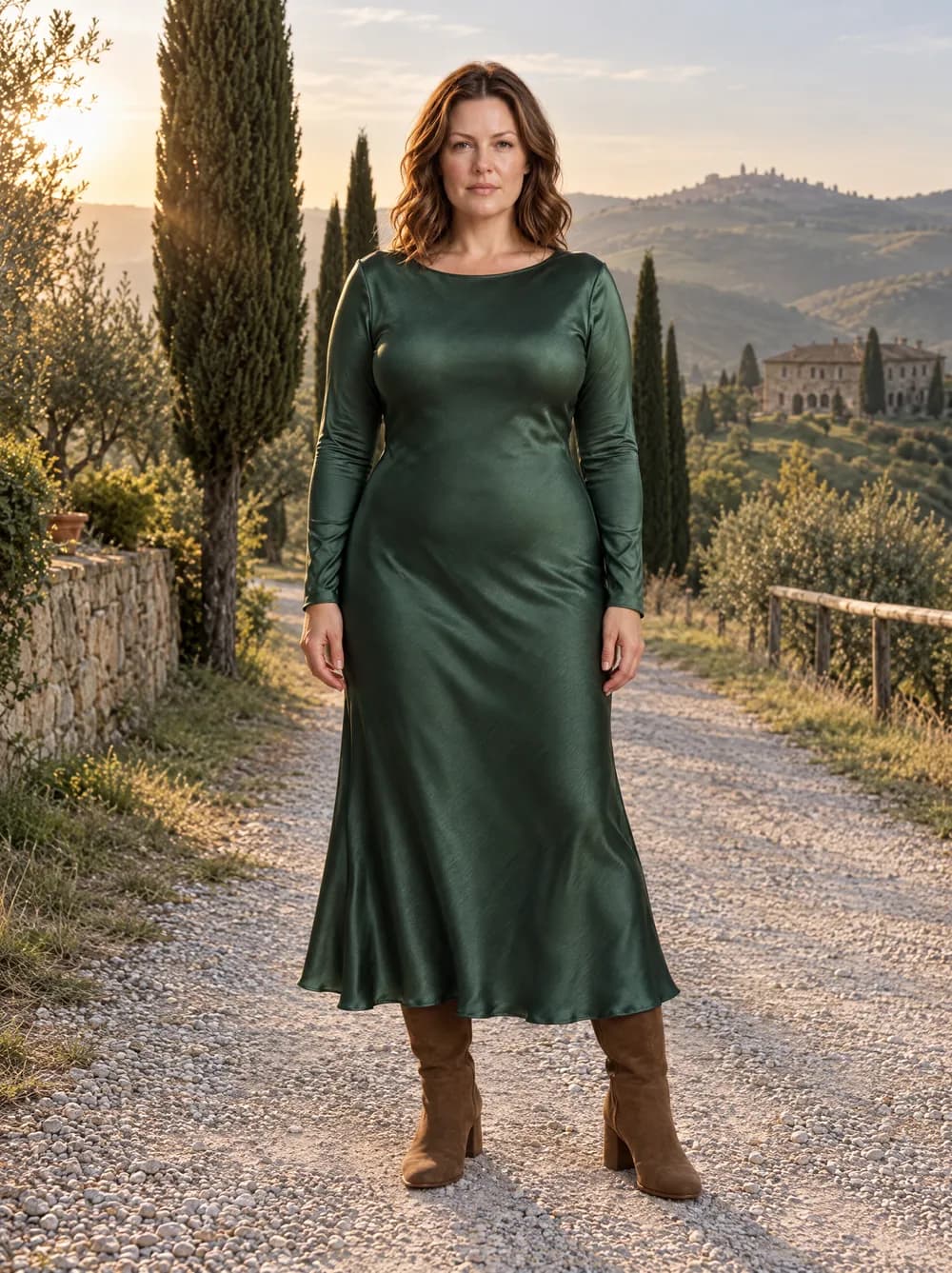
On a model in Tuscany
DR01 Satin dress: the flat-lay, made with an AI image model, and Look 03 · Chiara · Paris apartment and Look 21 · Sarah · Tuscany, generated with VeyraGen · fictional collection, not for sale
How it works
- 01
Upload your product photo
A flat-lay or a photo on white, on a plain background. If you have the back or a detail too, upload them with it. If you sell on Shopify, you bring your products in directly.
- 02
Choose a model and a pose
A model from the library or your own, and poses for clothing, jewellery, bags and shoes.
- 03
Choose the setting, shape and quality
A studio, a city or your own shop. 3:4 for your product page, 9:16 for stories or 16:9 for a banner, each made in its own shape.
- 04
Check and download
After every image a second model checks that all pieces are there and the pose matches. Download the image, or put it back on your product in Shopify.
Why AI model photography
- No photo shoot
- No studio, photographer, model or location, and your pieces never leave the building. An image is usually ready within two minutes.
- One look for your collection
- The same model, setting and light across all your pieces. Save a shoot as a template and run every new piece through it.
- Your own model
- Make a model that lives only in your account and comes back in every shoot. Starter has one own model, Professional and up unlimited.
- Your own shop as the set
- Upload a photo of your shop, showroom or studio and shoot there. Starter has one own scene, Professional and up unlimited.
- Every channel
- Product page, social and campaign: every shape is made in its own frame, nothing cropped.
- Yours, without a watermark
- You may use the images commercially. There is no watermark, only an invisible AI marking in the metadata.
One model, your whole collection.
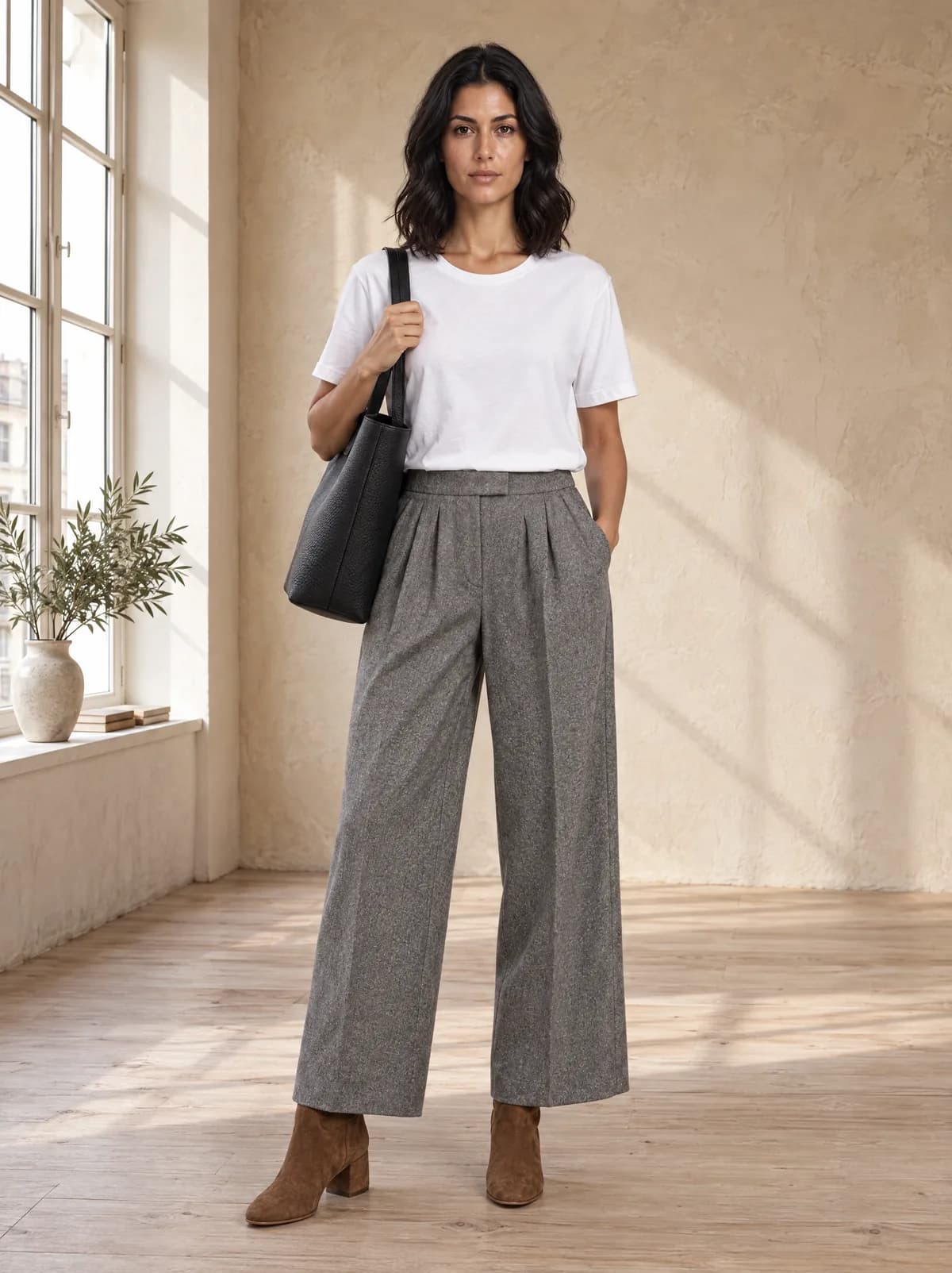
Six pieces with the same settings: the same model, the same setting, the same light. Your store looks like one shoot.
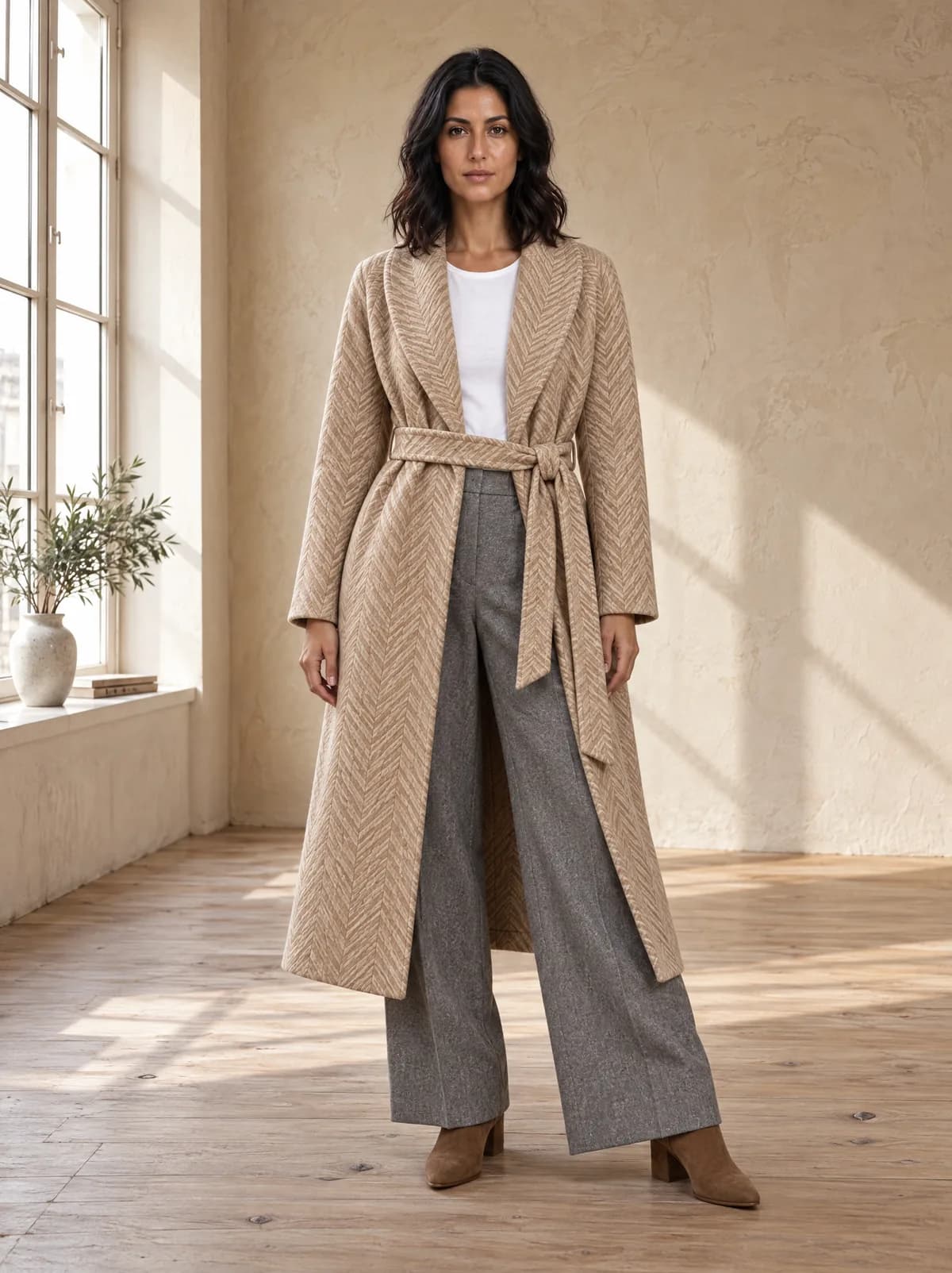
Herringbone coat
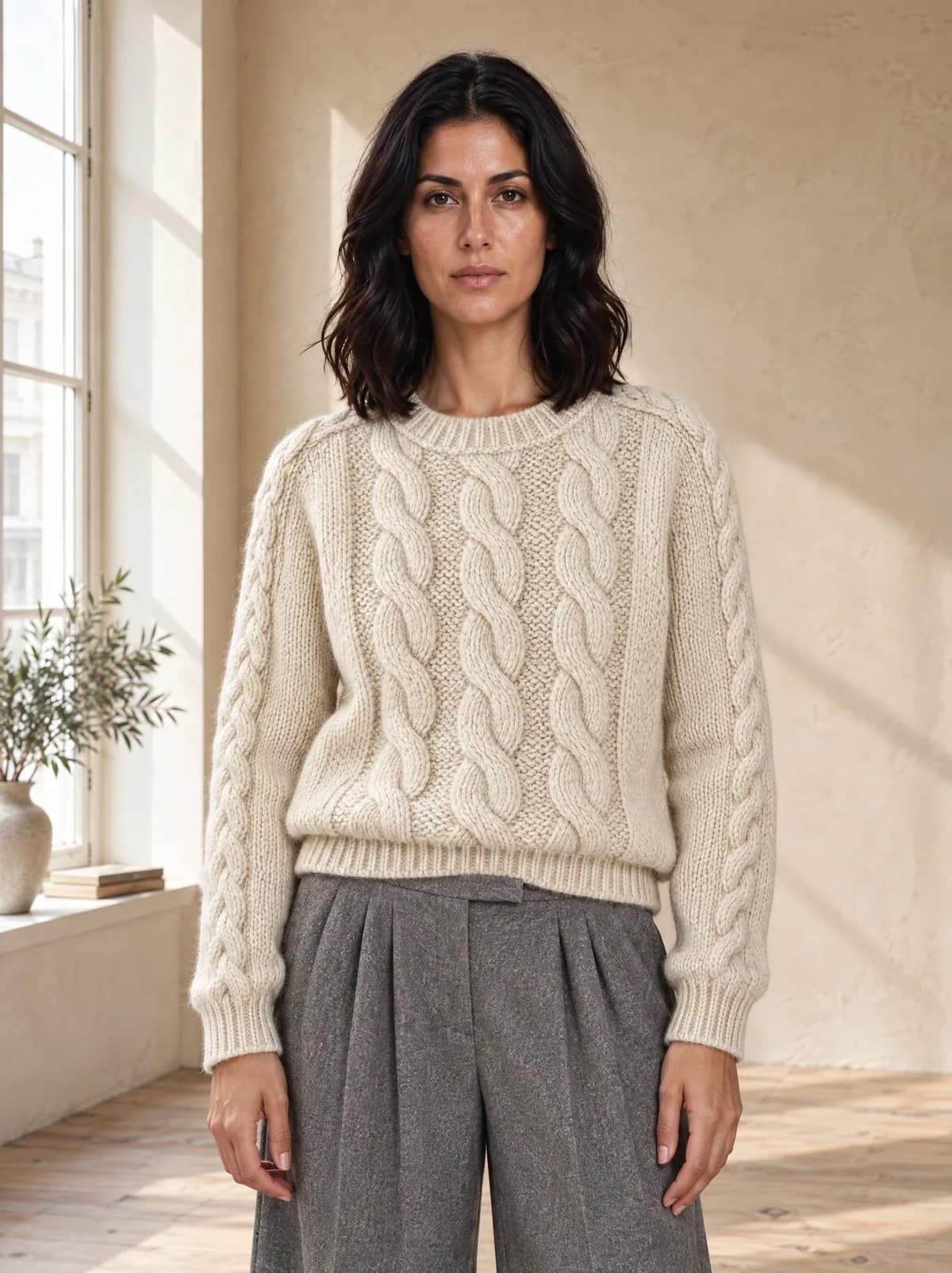
Fisherman sweater
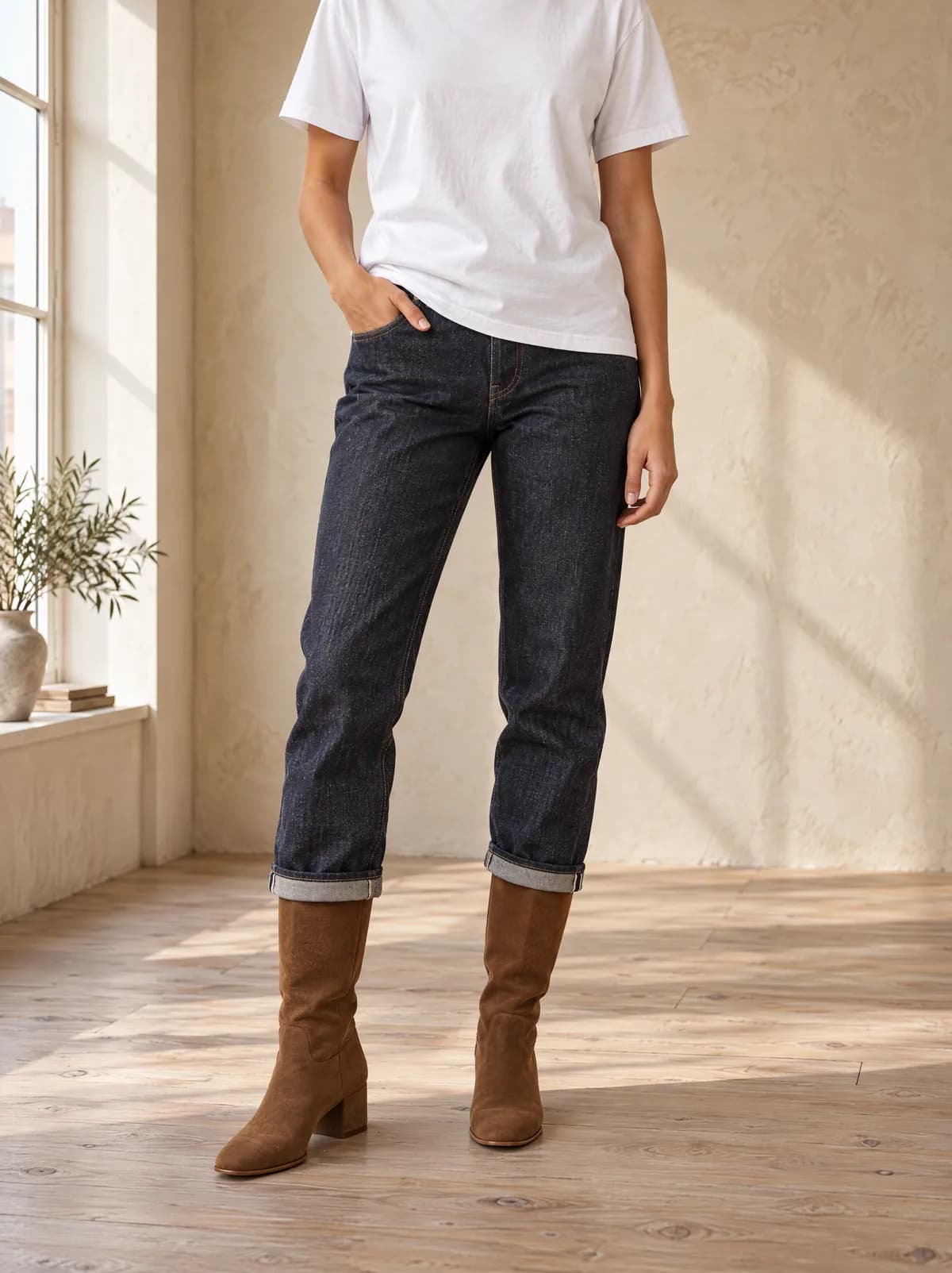
Straight jeans
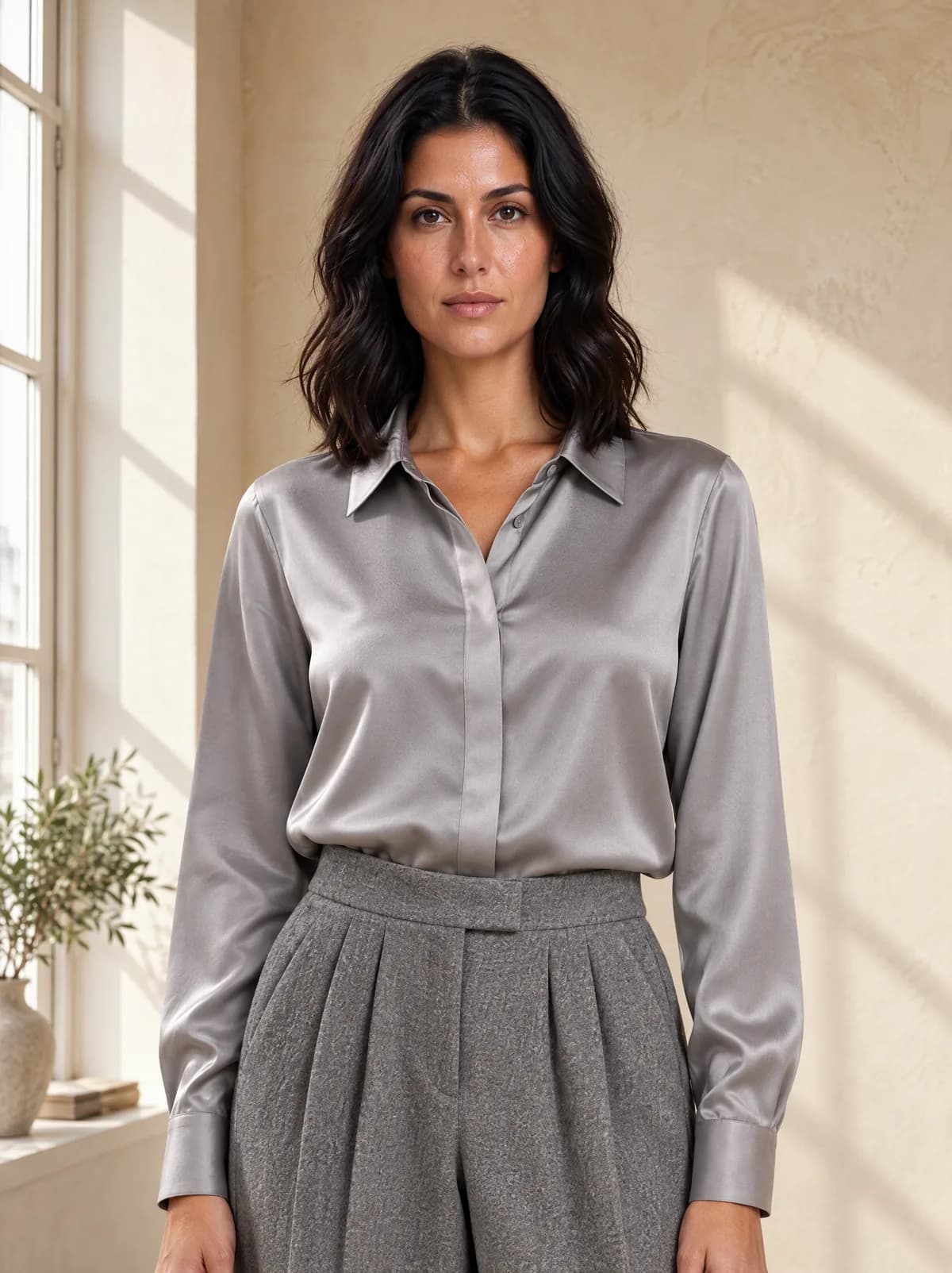
Silk shirt
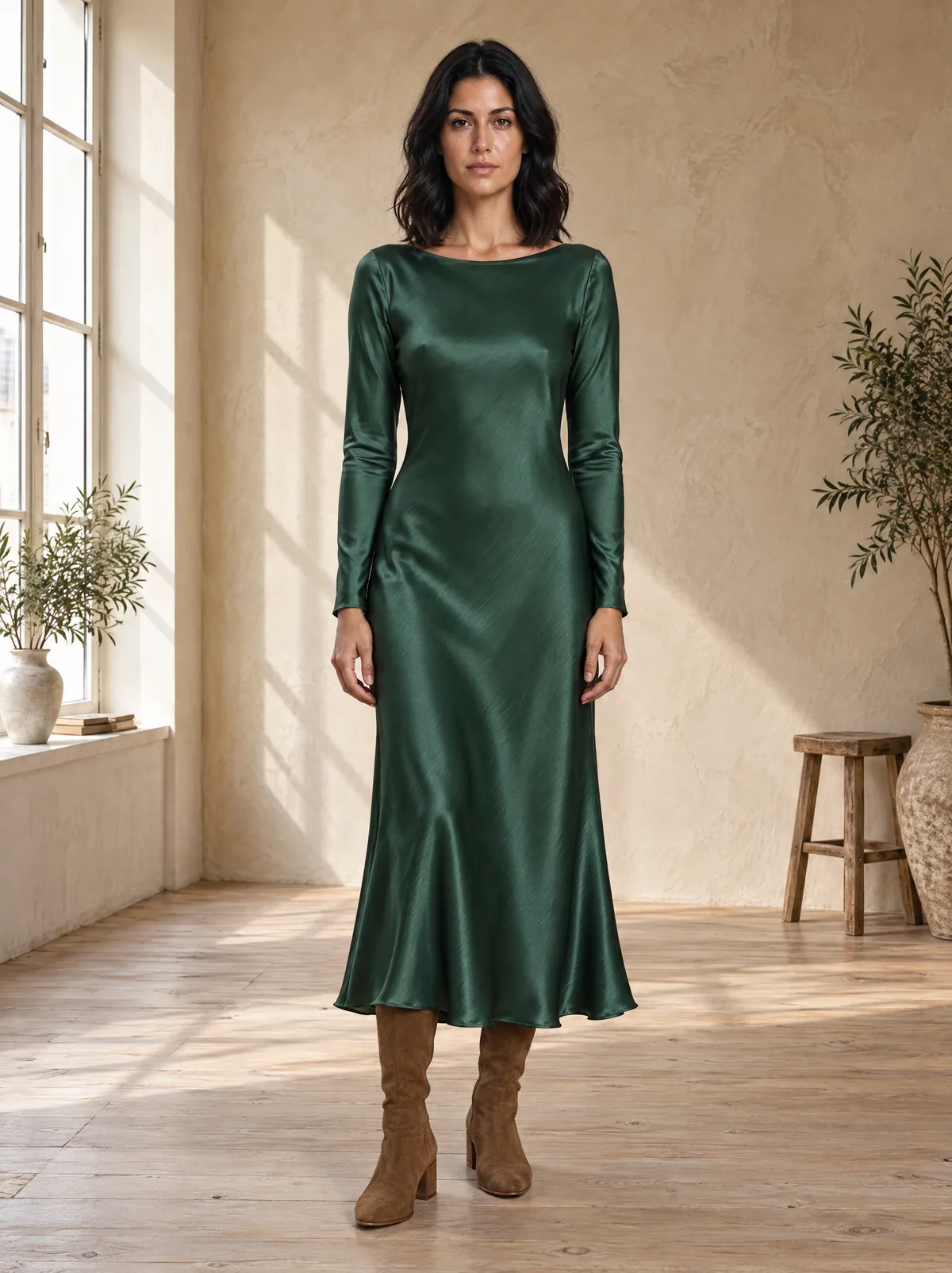
Satin dress
Leather tote
Six pieces from Collection 01, generated with VeyraGen with the same model, setting and light · fictional collection, not for sale
What does an AI model photo cost?
An on-model image in Standard costs 4 credits. That is €0.65 on Starter and €0.47 on Business, per month and excluding VAT.
For comparison: a studio easily charges €15 to €40 for a photo on a mannequin, and a full day with a photographer costs over €1,000, without the model.
Frequently asked questions
What is AI model photography?
An AI image model makes a photo of your garment on a model, from your own product photo. You choose the model, the pose and the setting; no photo shoot needed.
Which photo do I need?
A flat-lay or a photo on white, on a plain background and without people. Front, back and detail photos of the same piece may go together.
Will my garment look the same?
The shoot works from your own product photos. After every image a second model checks that all pieces are there and the pose matches; what is off gets flagged. Always check colour, fabric and details such as buttons and pockets yourself too.
Who are the models?
The models in the library are generated and do not exist. From Starter you can also make your own model. If you work with photos of a real person, you need that person’s consent.
May I use the images commercially?
Yes. The images are yours and you may use them commercially, subject to the terms of the underlying AI providers (article 6 of the terms). There is no watermark, only an invisible AI marking in the metadata.
Does it work for jewellery, bags and shoes?
Yes. Besides poses for clothing there are poses for earrings, necklaces, rings, bracelets and watches, for bags and for shoes.
Can I try it for free?
Yes. Once you confirm your email address, you get 25 credits once, valid for seven days and without a subscription.