Journal · Product
Fashion product photos from your AI assistant, with MCP
With VeyraGen’s MCP server, your assistant, such as Claude, puts your clothes on a model: what it can do, how a conversation goes, what it costs and what you need.
By VeyraGen editors · 7 November 2026 · 5 min read · Lees in het Nederlands

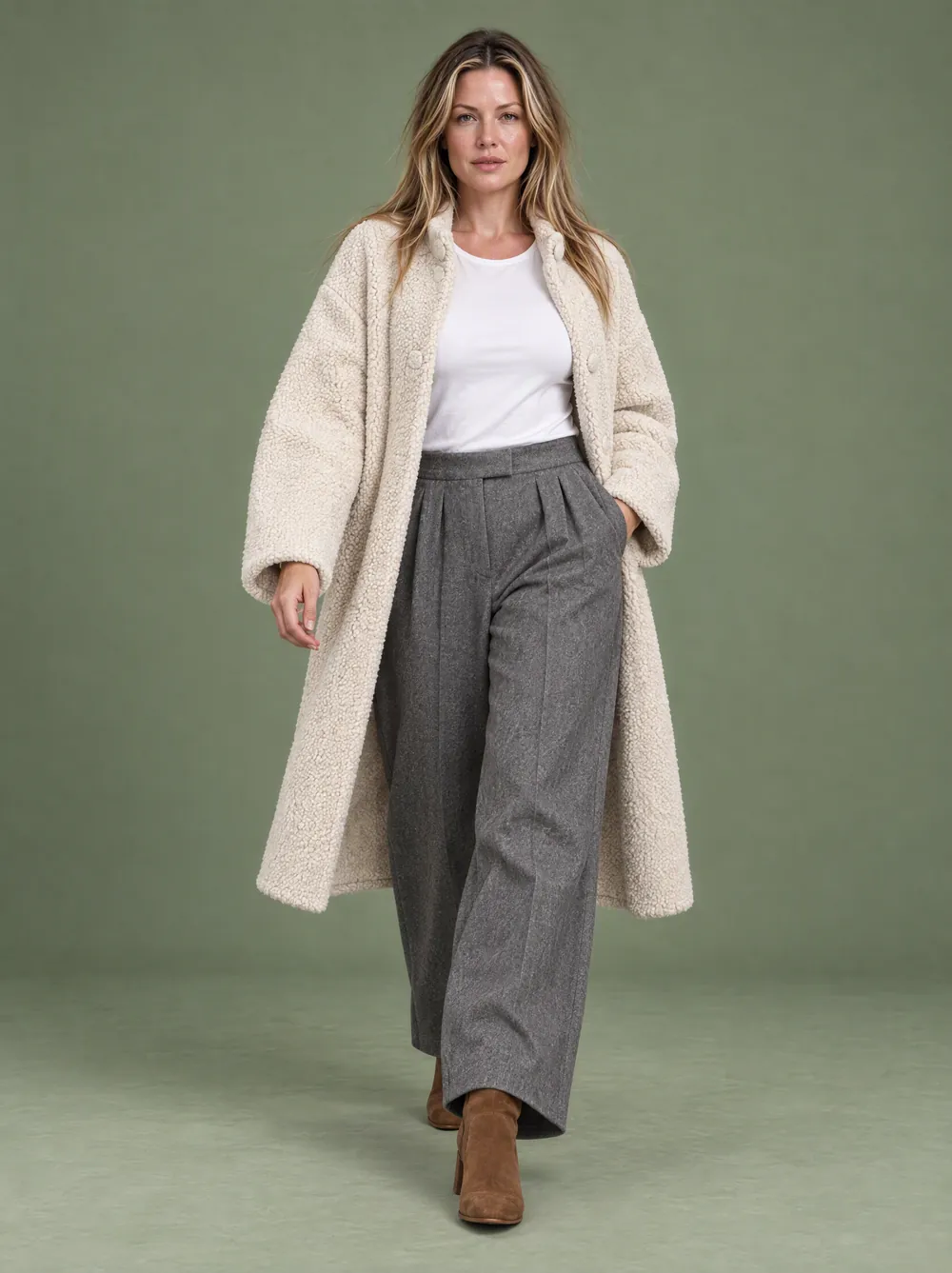
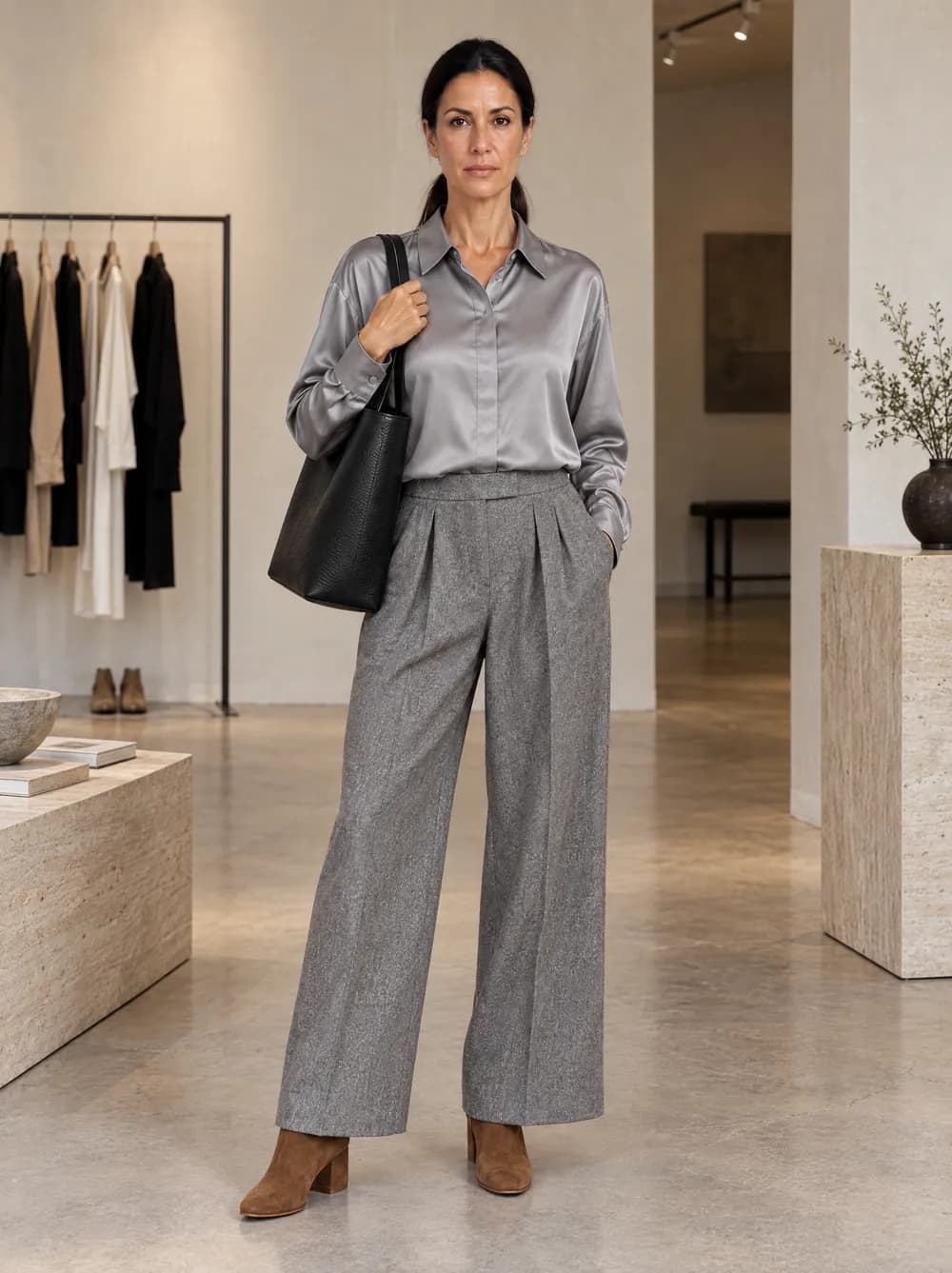
Look 12 · Luca · Industrial loft · Generated with VeyraGen · fictional collection, not for sale
If you already work with an AI assistant such as Claude, you can make your fashion photos there too. VeyraGen has an MCP server, through which your assistant works in your own VeyraGen account. You write what you want in plain words. The assistant finds a model, tells you the price, puts your garment on the model and shows you the image. This guide explains what MCP is, how such a conversation goes, what it costs and what you need.
What MCP is
MCP stands for Model Context Protocol. It is an open standard that lets an AI assistant use the tools of another service. Anthropic released it in November 2024, and many assistants and developer tools now work with it. A service offers an MCP server and you connect it to your assistant. From then on, the assistant can do work with it: look something up, make something, follow its progress.
With VeyraGen, you connect the server with an API key from your own account. So everything the assistant does happens in your studio. It pays with your credits, and every image lands in your gallery, just like an image you make in the studio.
What your assistant can do in VeyraGen
- Check your credit balance.
- Look up the models, with a photo of each, and pick one for your image.
- Look up poses, also by mood, such as editorial or casual.
- Tell you the price of an image before it costs anything.
- Make an image from your product photo, and follow its progress.
- Look at an image itself, to check it before handing it to you.
- Show your recent images and earlier requests.
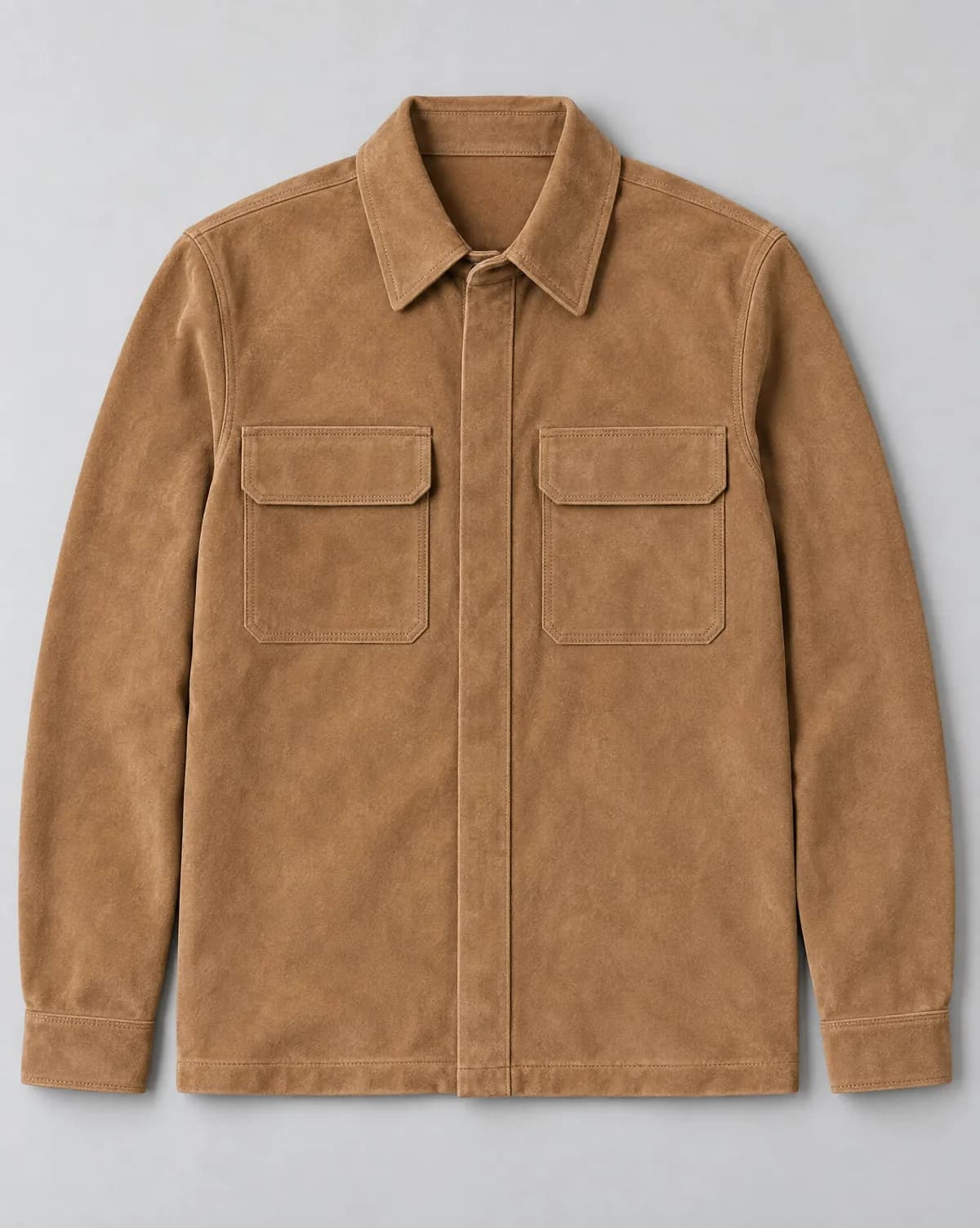

From product photo to on-model image: TP03 Suede overshirt, and Look 12 · Luca · Industrial loft. Flat-lay made with an AI image model, look generated with VeyraGen · fictional collection, not for sale
How a conversation goes
Say you have three overshirts in your store, with a product photo of each. You paste the links to those photos into the conversation and write: ‘Put these three overshirts on a male model, standing, in 3:4, in a loft with brick walls. What does that cost?’
- The assistant finds a model. It looks up the models and shows them to you, or suggests one that fits your request.
- It tells you the price. Three images in Standard cost 12 credits together. It also tells you how many credits you have left, and waits for your yes.
- It makes the images. One image per overshirt, with the model and the setting you asked for. It follows the progress; an image is usually ready within two minutes.
- It checks and hands you the images. It looks at each image itself and gives you a link to the full-size file of each. If your assistant can, you see the images as a gallery in the conversation. They are also in your gallery in VeyraGen.
- You steer. If a collar or a pocket is off, say what should change. The assistant then makes a new image, which costs credits again.
If an image cannot be made, you get its credits back. If you want a particular pose, name it. The assistant can look up the poses in the library and describes the pose in its request.
What you need
- Professional or Business. Access through MCP and the API comes with these two plans.
- An API key. You create it in the studio under Integrations. If you revoke it, it stops working at once.
- An assistant in which you add an MCP server with your own key, such as Claude Code or Cursor. The server’s address and an example are on the page VeyraGen in your AI assistant.
- Product photos at a public address. The assistant passes on a link to your product photo, for instance to the photo in your Shopify store. A photo that only lives on your computer will not work.
What it is good for
- Many pieces in a row. Give the assistant a list of links, from your product feed or a spreadsheet, and it works through it. One key starts up to twenty new images a minute.
- Everything in one conversation. You write the product text, make the on-model image and add the alt text, without switching programs.
- Your own systems. The same key also opens a plain REST API, for your PIM, your DAM or your store.
What stays in the studio
Through MCP you make one image per request, from one product photo, and you describe the setting in words. A few things you do in the studio:
- choosing from the scenes in the library, and from your own models and scenes;
- uploading the front and back of a piece together;
- images in Premium or in 4K;
- putting the images back on your products in Shopify.
What it costs
An image through MCP costs as many credits as the same image in the studio. The assistant works in Standard: 4 credits per image. On Professional, €129 a month for 900 credits, that is about €0.57 per image. On Business, €349 a month for 3,000 credits, about €0.47. Prices exclude VAT, and the current prices are on the pricing page.
How that compares with a studio, a photographer and a model is in How much does clothing photography cost?
Working safely
- The price first. Making an image costs credits. That is why our server asks the assistant to name the price first. Many assistants also ask your permission for every tool that does something.
- The same checks as in the studio. Every request and every photo is checked the way an upload in the studio is. If you use a photo of a real person as the model, you confirm that this person gave their consent.
- Your key is yours. Do not share it. If it has leaked, revoke it under Integrations and create a new one.
An on-model image is only as good as the product photo underneath, also when your assistant makes it.
How to take a product photo that AI works well with is in How to photograph a flat-lay that AI understands. Want to see what your own piece looks like on a model first? Once you confirm your email address, you get 25 free credits for the studio. Move to Professional when you want to work from your assistant.
More about MCP itself: modelcontextprotocol.io, consulted on 7 November 2026.